
Gem Slash | Gesture-Controlled Browser Arcade Game, Slice Gems by Waving Hands
Swipe your wrists to slice flying gems. A lightweight pose-tracking model follows up to 2 full bodies; each wrist is a blade. Slice gems to score and avoid the bombs — hit 3 bombs and it's game over.
Loading game engine and hand tracking model...
How to Play the game Gesture Gem Slash
1. Step back so your full body (head to hips) is in the camera frame.
2. The blade follows your wrists — the faster you swipe, the cleaner the cut.
3. Up to 2 people can play at once (each person has 2 wrist blades).
4. Slice a bomb and the screen flashes — hit 3 and it's game over. A missed gem just shows a red ✕ (no life lost).
5. On the home menu, slice the gem in the center to start the game.
About the game Gesture Gem Slash
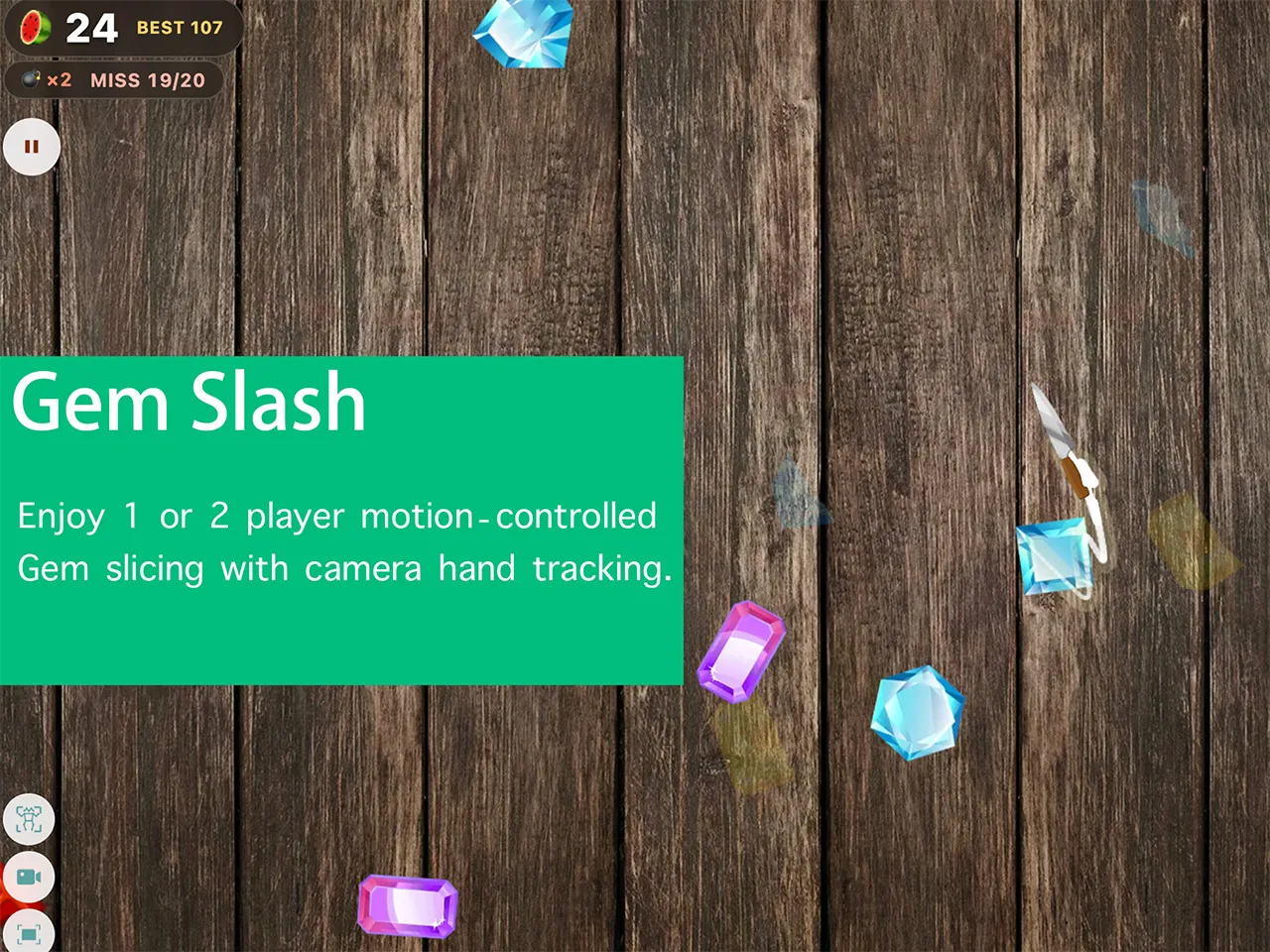
Gesture Gem Slash is a motion game that pays tribute to the classic Fruit Ninja. It brings back the same satisfying swipe action, with gems tossed up into the air for you to slice with your hands as your weapons. Splitting a gem into two clean halves feels genuinely great.
This motion game uses the camera built into your device (you will be asked to grant camera permission). Your body skeleton is recognized in your local browser, especially your hands and wrists. The camera feed is never allowed to leave your device, and your privacy is fully respected. Gesture Gem Slash is an endless challenge mode, so keep playing, keep improving, and push your score higher and higher.
How to Get a Higher Score
First, make sure the camera can clearly see your body and hand posture. Your swinging hands are the blades. When a gem is tossed into the air, predict where it is going, wait for it to come close, and swipe your hand through it quickly. Each gem you cut adds to your score, and letting no gem fall past you is the duty of a qualified gem slasher.
But stay alert. When bombs fly out together with the gems, do not cut them. Hitting a bomb is not only a nasty surprise, it also counts toward your failure meter. Cut three bombs and you face game over.
A Few Things to Keep in Mind
Please keep the following points in mind while playing Gesture Gem Slash.
Play in an open space
You will keep swinging your arms while slicing gems, so make sure your surroundings are safe. Do not play in a narrow room or a crowded scene, to avoid hurting yourself or the people around you. During play, watch your hands too. A fast swing can knock your fingers against a real object such as the edge of a table, and that hurts as well.
Let the camera see your hands clearly
The blade is generated from the position of your hands as recognized by the motion sensing. If a hand moves out of the camera frame, the game can no longer tell where it is, and you will not be able to cut gems accurately.
Swing speed matters
This is very important. If you swing too slowly, your hand cannot reach the gem's path in time and the cut fails. If you swing too fast, you may also miss the gem, and because the camera runs at a limited frame rate, an extremely fast swing can occasionally make the blade trail skip, which hurts the experience.
Why did SwayJoy build Gesture Gem Slash?
- A tribute to a beloved classic. Fruit Ninja brought a lot of joy to many players. We hope Gesture Gem Slash can bring you that same kind of fun.
- Motion gaming for everyone. No special motion device is needed and nothing extra to pay for. Any player with a camera can enjoy an experience similar to the motion version of Fruit Ninja, without the price tag.
- Move your arms and get moving. This is one of the benefits of motion gaming. SwayJoy hopes players will take their hands off the desk more often, wave their arms, sway their bodies, and enjoy healthy fun that adds a little joy to a busy day.
FAQ
- Is Gesture Gem Slash free?
- Yes, the game is free for everyone to play on the SwayJoy website. If you would like to copy it or make it available somewhere else, please contact us first.
- Does it work on phones and tablets?
- The layout adapts to screens of different widths, but you will enjoy it more on a larger screen. It also works well on a TV.
- Can I see my own camera feed?
- Of course. There is a switch in the bottom left corner of the game that shows or hides the camera feed. By default the feed is hidden.
- Is my camera feed sent over the network?
- Never. SwayJoy fully protects your privacy. The camera feed of every game on this website is used only for motion detection and computing inside your own browser. No camera footage is ever transmitted anywhere.