Motion Gaming Platform

Webcam Motion Games
Play With Body Movement, No Extra Hardware

Browse and play every SwayJoy motion game free in your browser: your body is the controller. No downloads, no apps, no extra hardware - just wave, tilt, clap, pinch or swipe to play.

All Motion Games

What Are Motion Games?

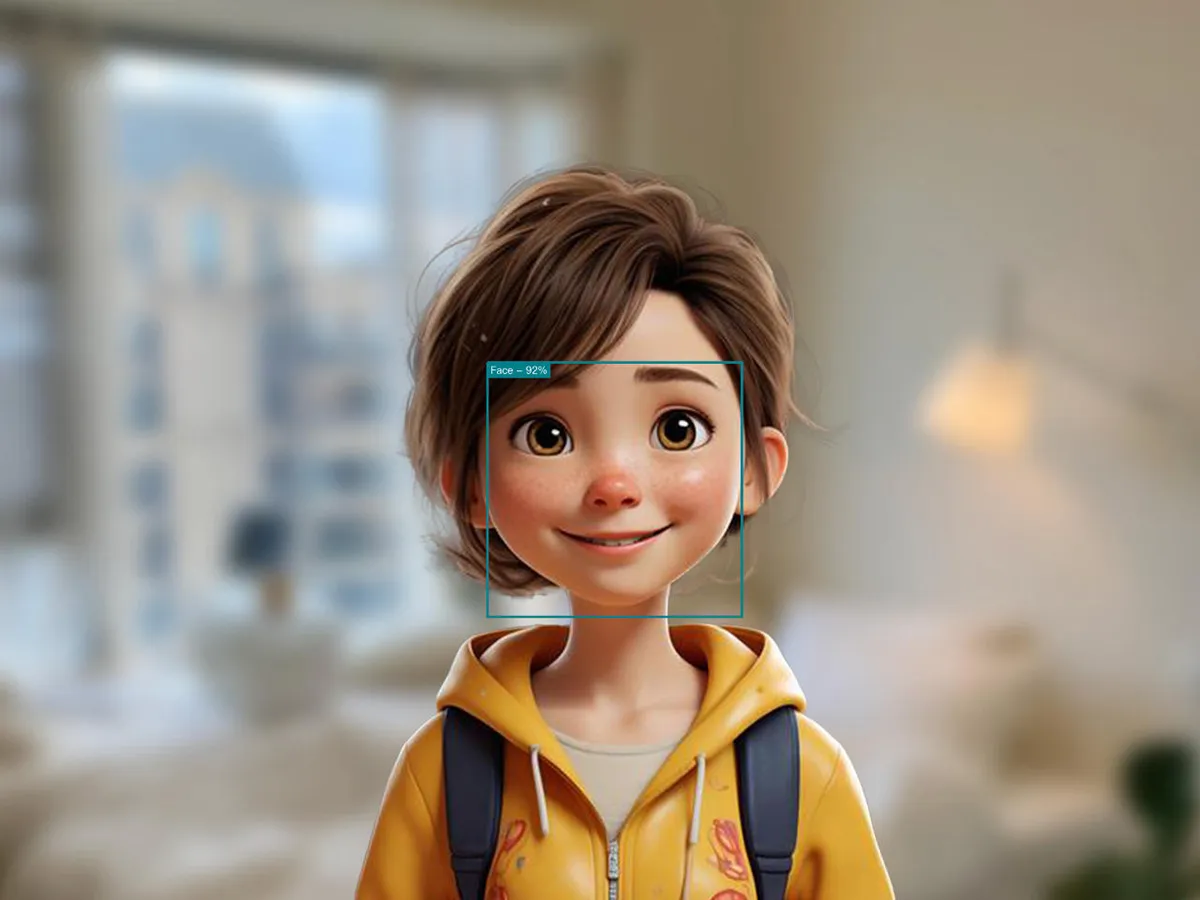
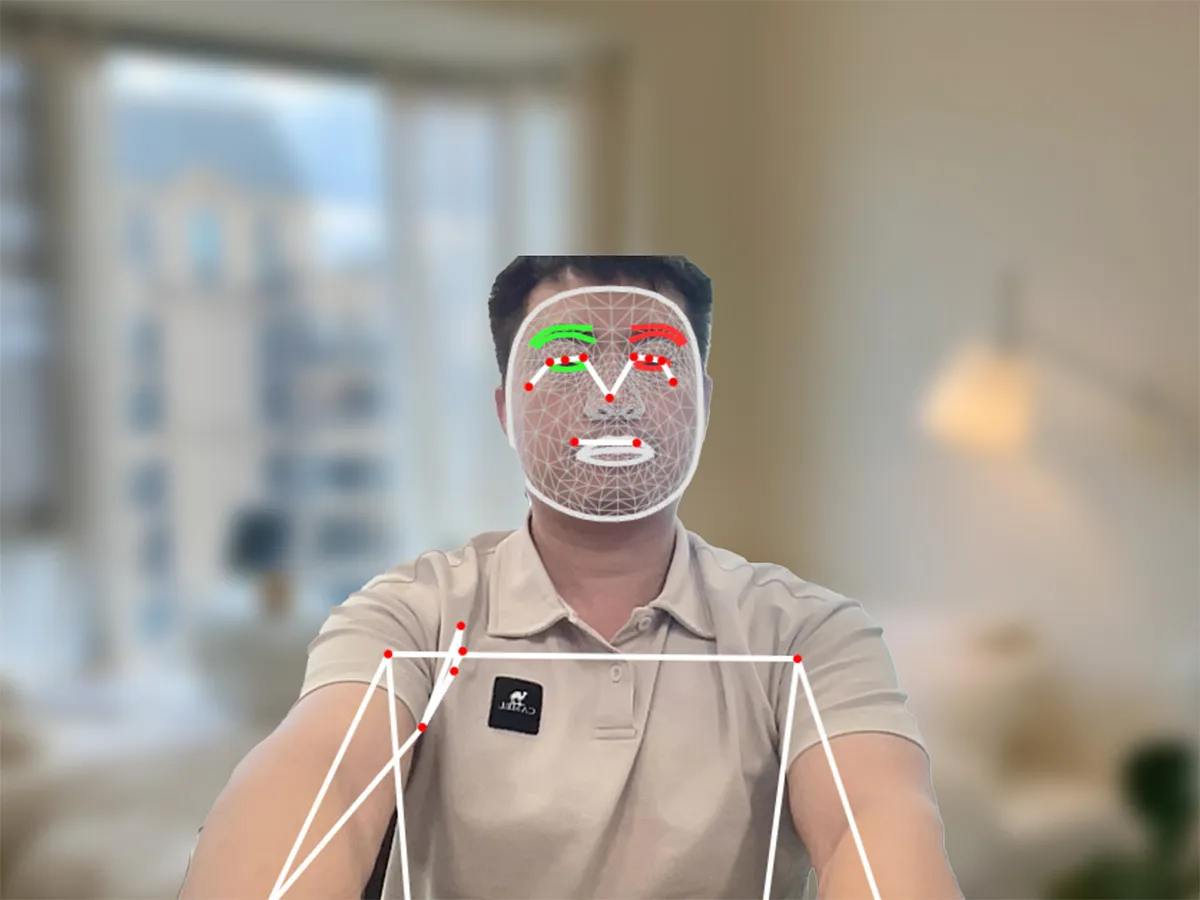
Motion games are games you play with your body instead of (or alongside) a keyboard, mouse, or gamepad. Unlike traditional games, your body becomes the controller. Through computer vision, your device's camera tracks the position and movement of your face, hands, and body in real time, then translates that motion directly into gameplay. Wave your hand to swat objects. Lean to steer. Jump to dodge. The game becomes a mirror of you.

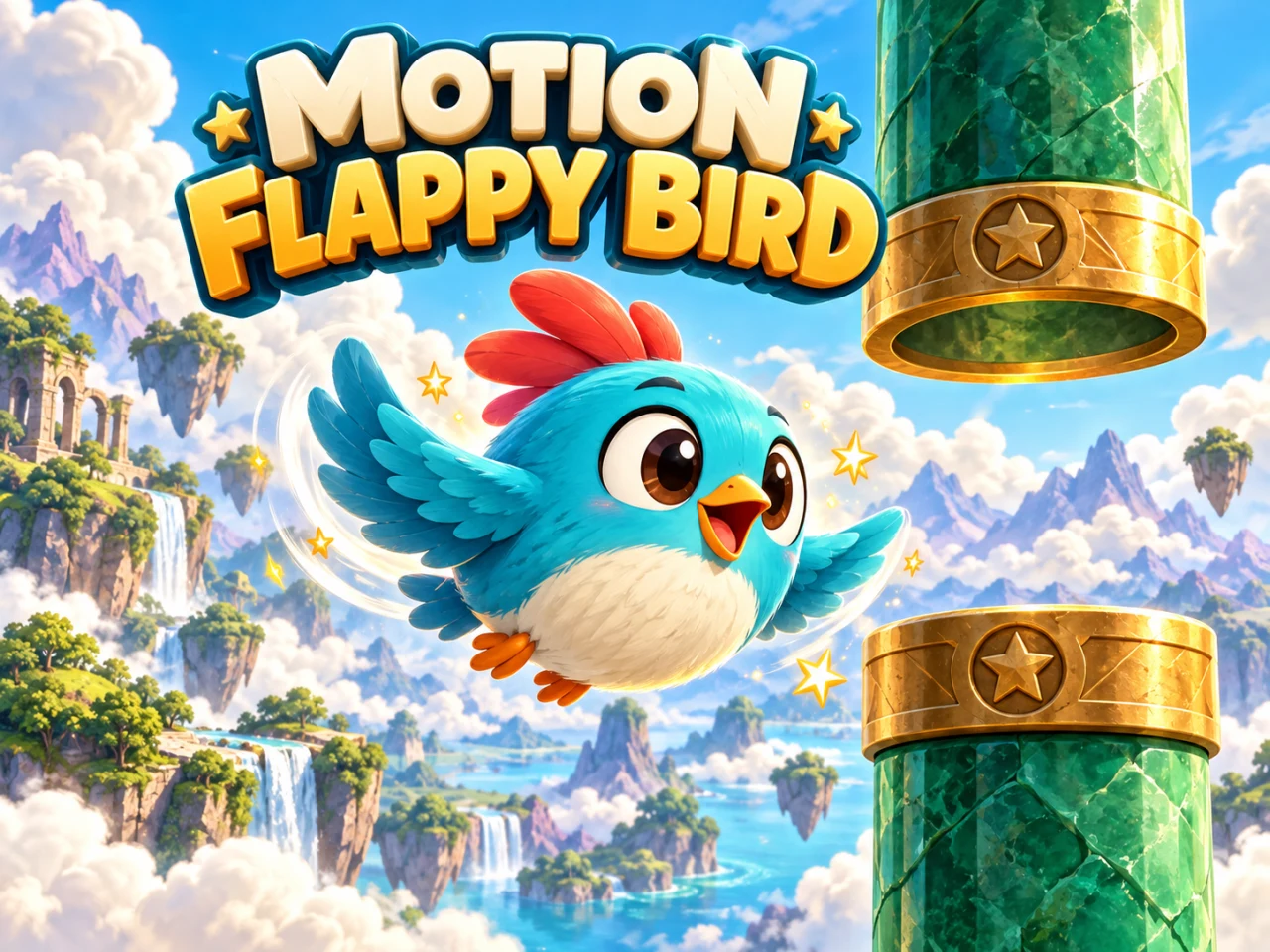
Lean your body forward
Mirror your movements on screen
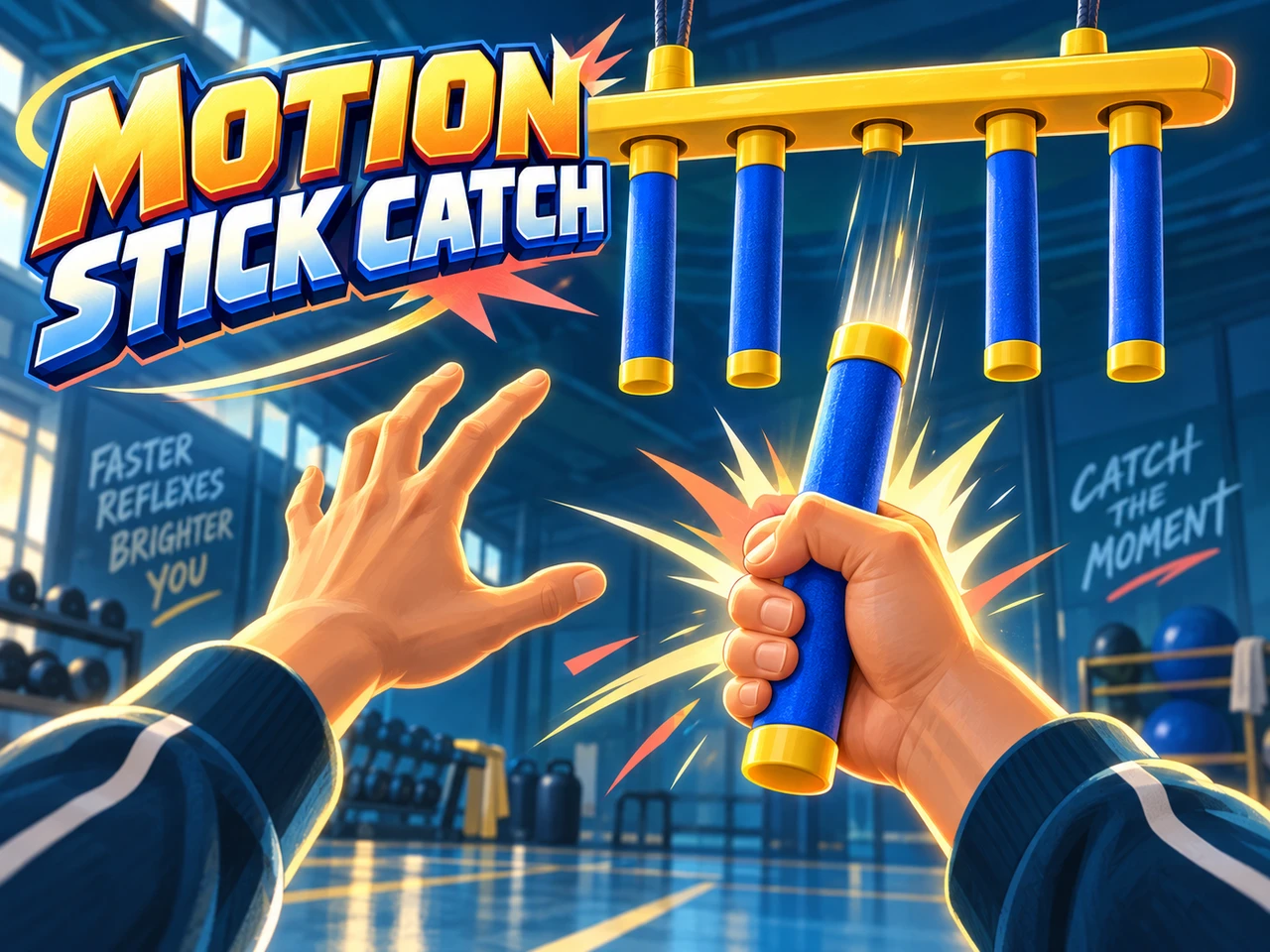
Clap your hands together
Wave your hand around
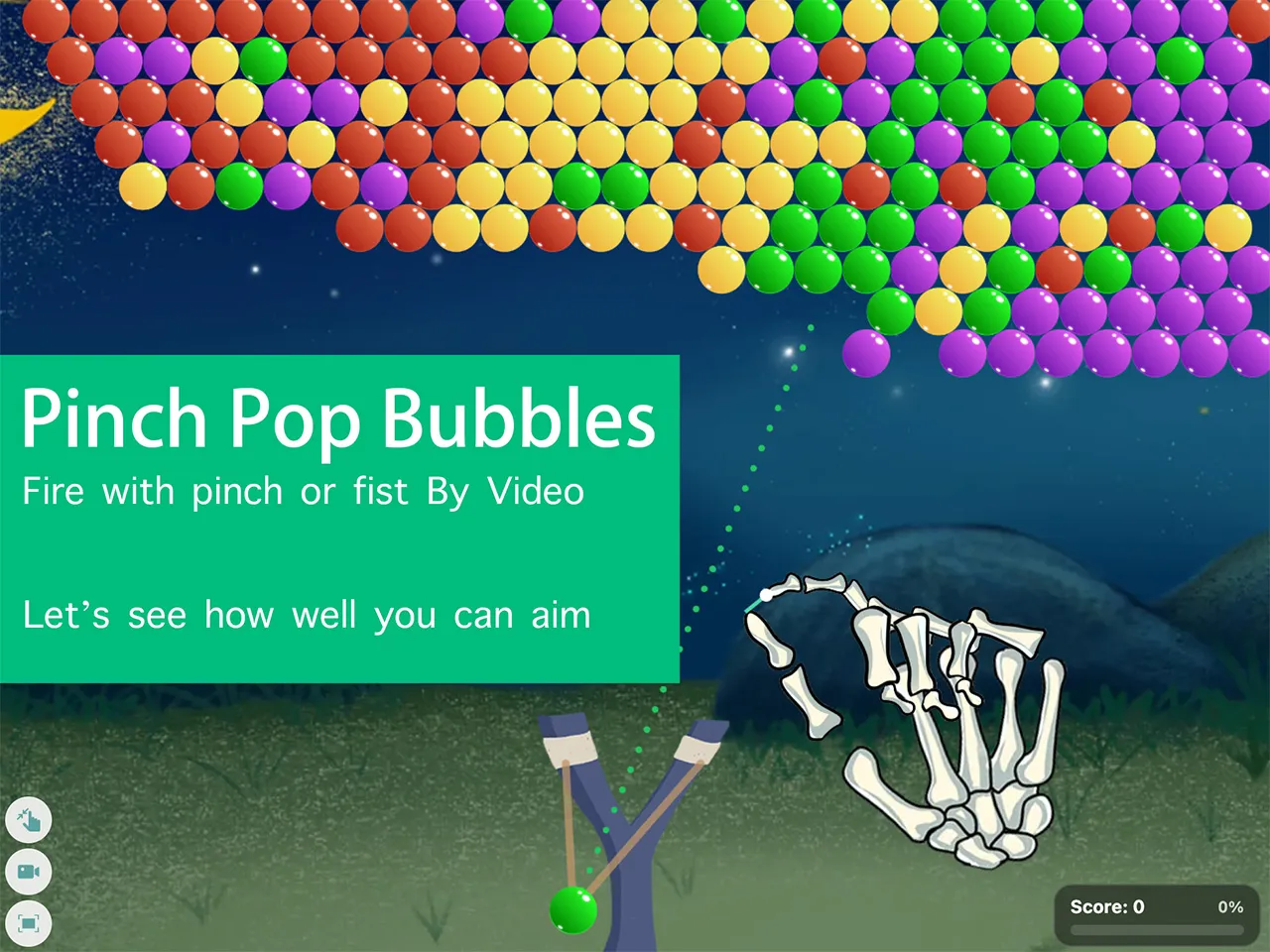
Pinch your fingers to grab
Slide your hand sideways
Jump up and down
Jump up and down
Balance your whole body

A Brief History of Motion Games

The story of motion gaming is longer than many people think. It has always been chasing the same dream: breaking down the wall between player and game.

  1. 1989

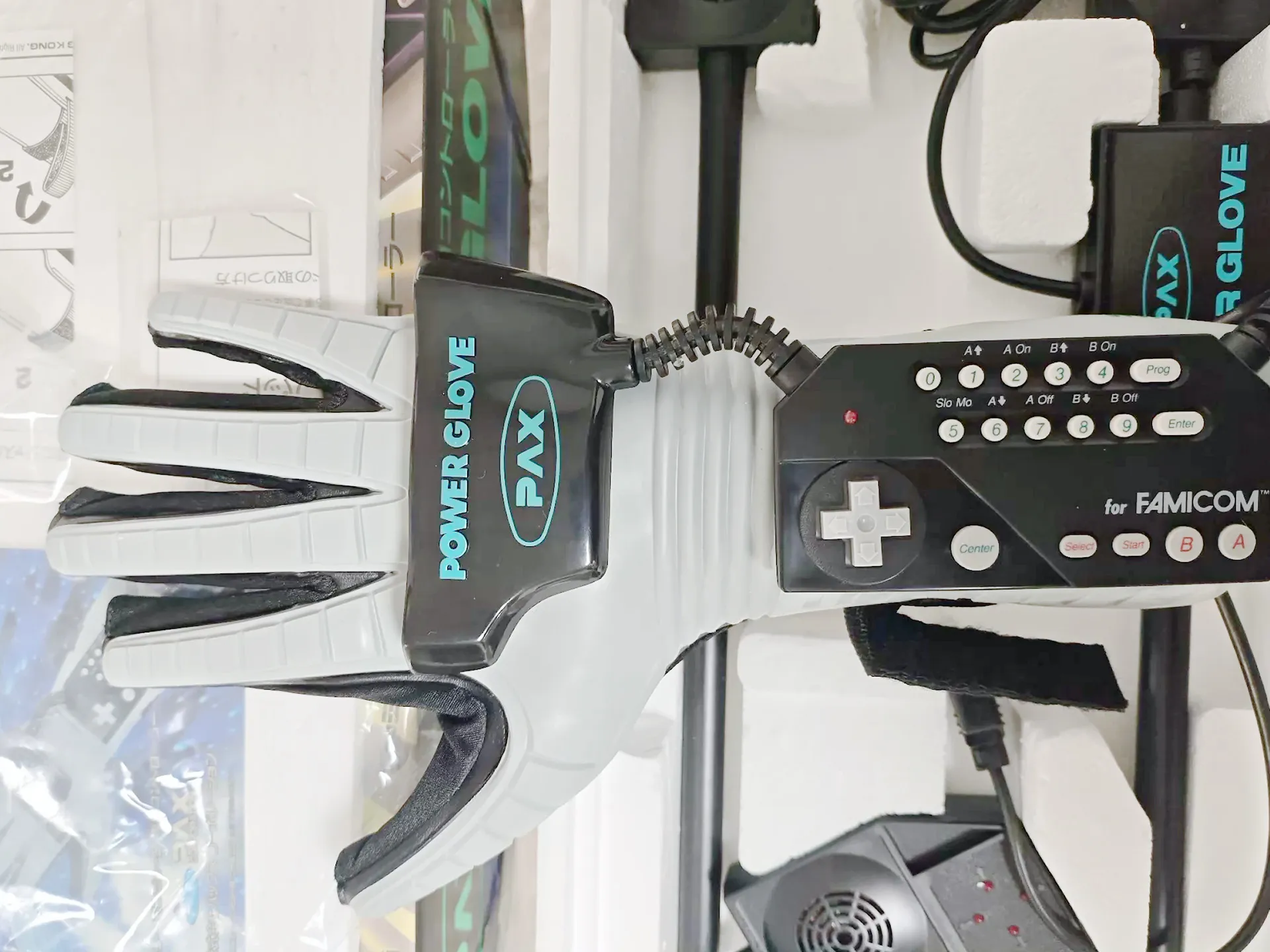
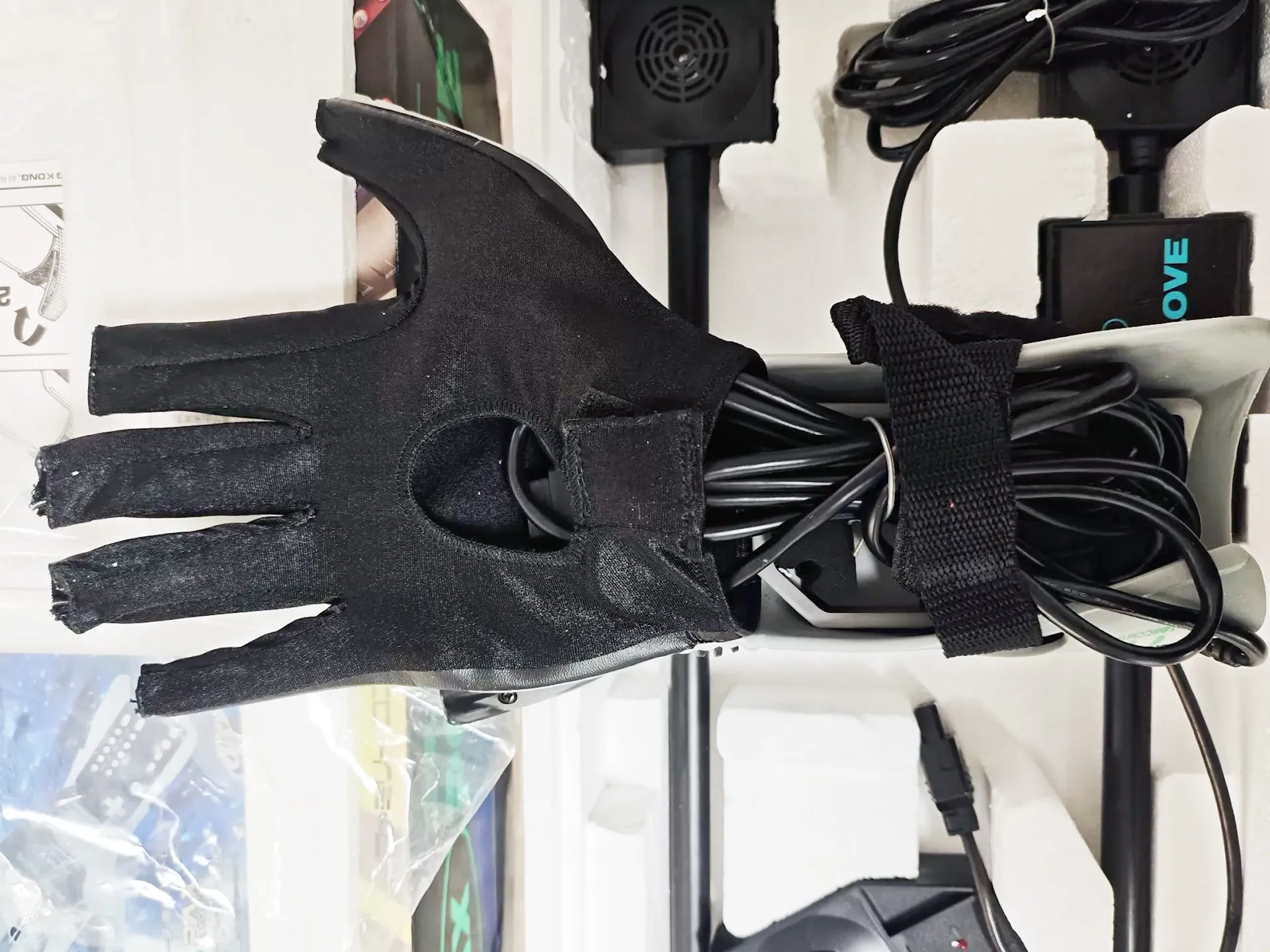
    The Power Glove

    Nintendo's infamous glove controller let players bend their fingers to control games. It was clunky and imprecise, but it planted a powerful idea: your body could be the input device.

    Wikipedia ↗
    The Nintendo Power Glove, 1989
    Playing with the Power Glove, 1989
    Power Glove controller detail, 1989
  2. 1993

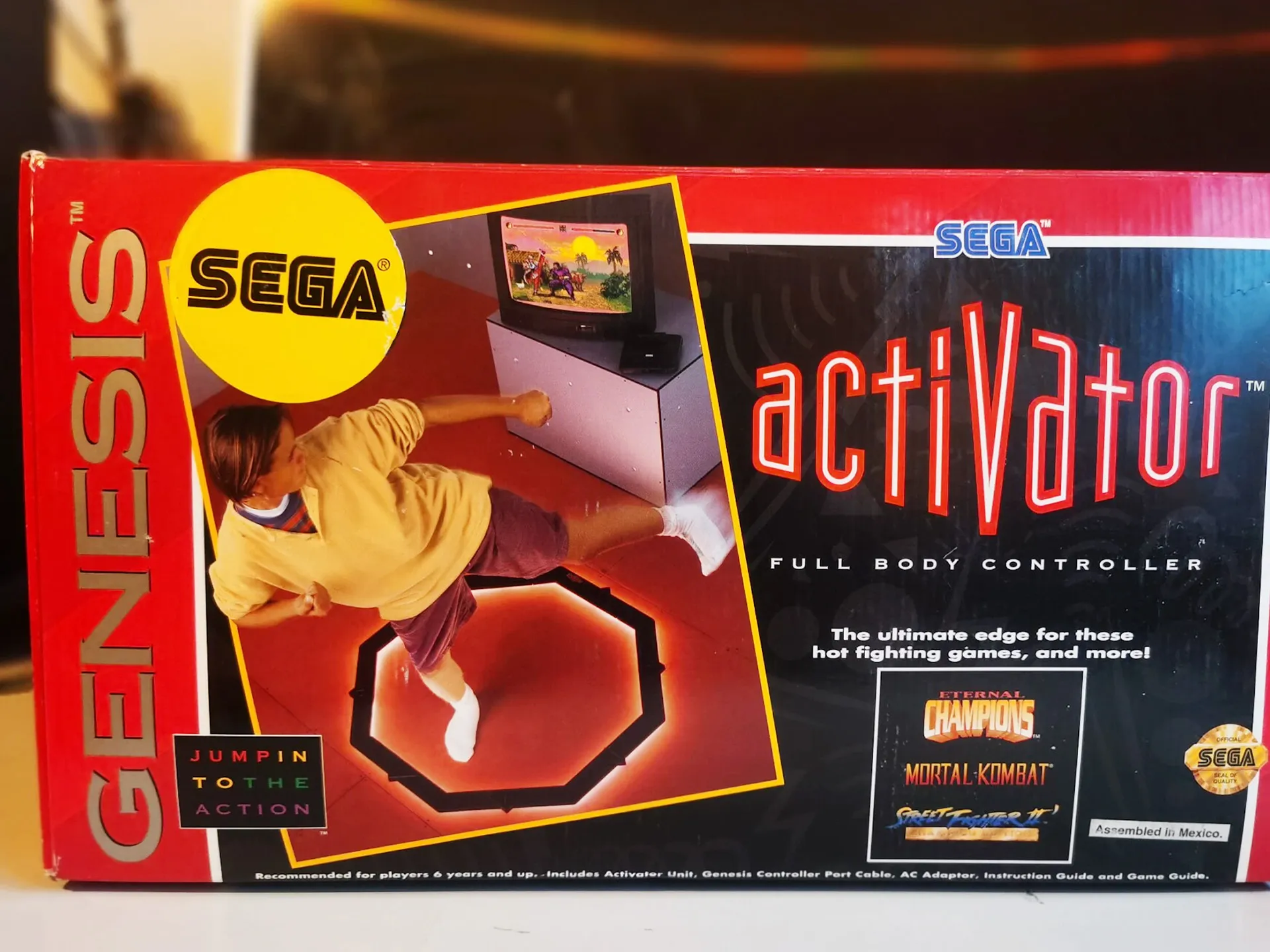
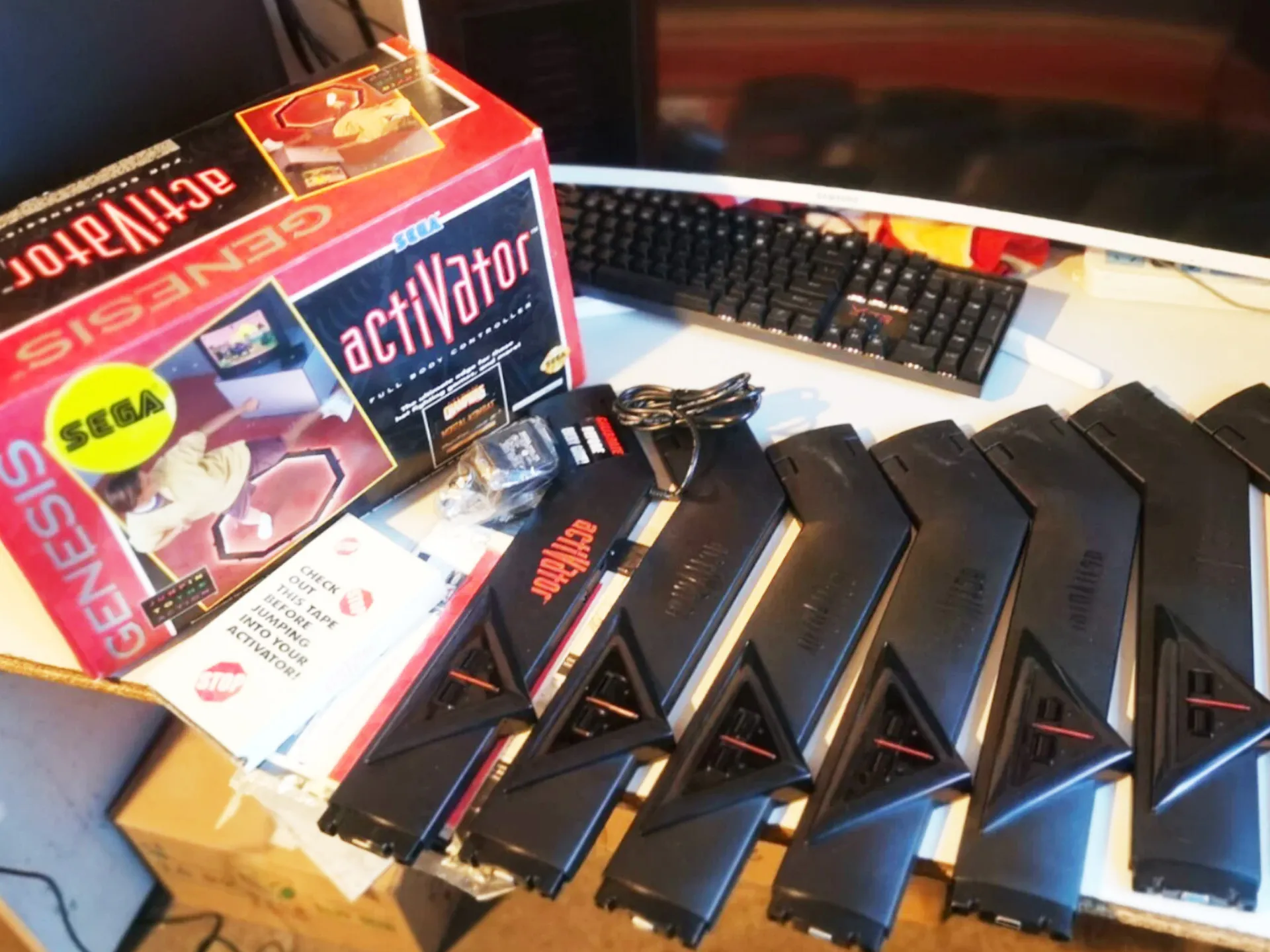
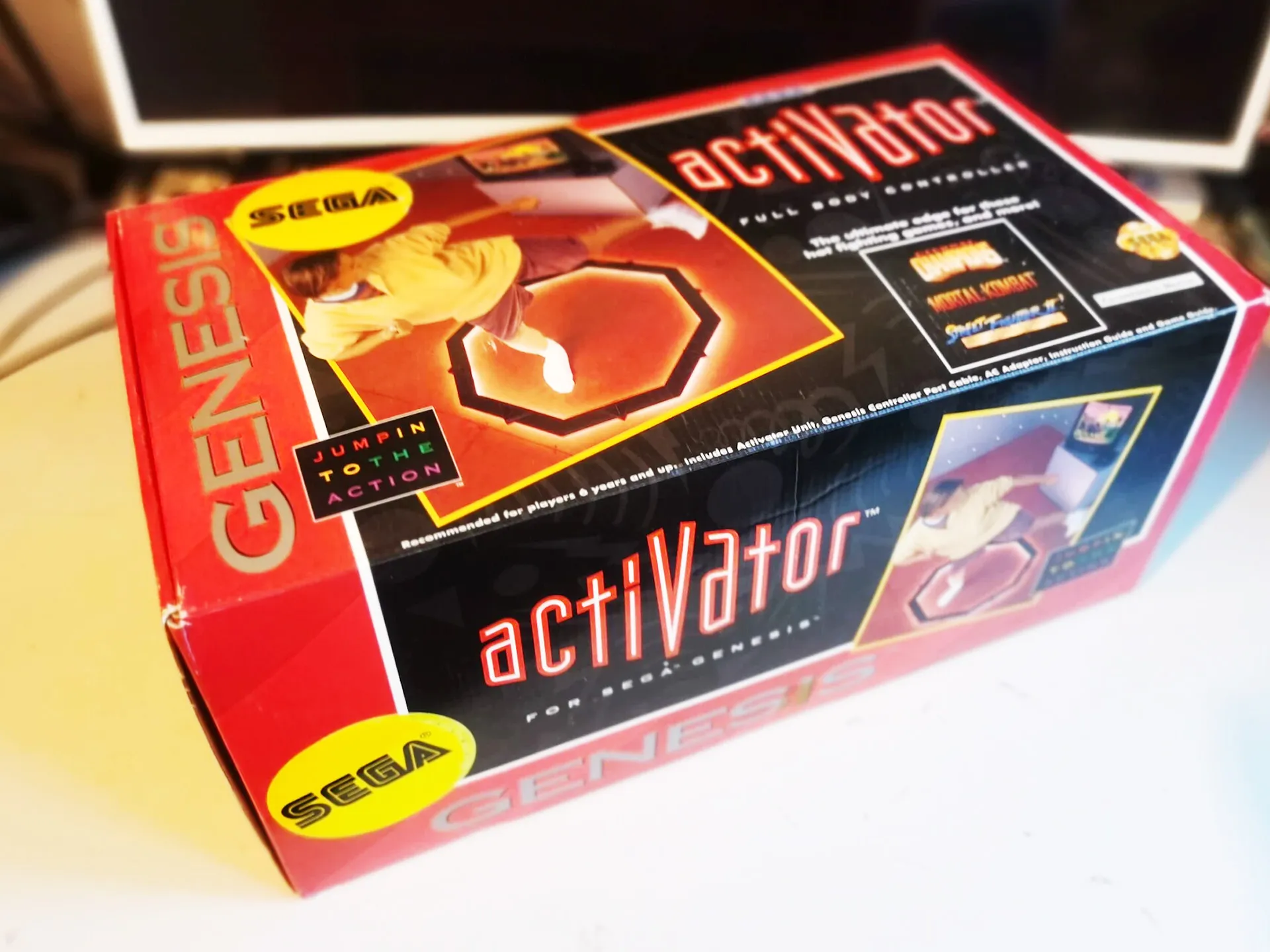
    The Sega Activator

    An octagonal floor pad used infrared beams to detect kicks and punches. The first real attempt at full-body arcade control at home, an early ancestor of today's camera-based games.

    Wikipedia ↗
    The Sega Activator, 1993
    Sega Activator floor pad, 1993
    The Sega Activator in action, 1993
  3. 1998

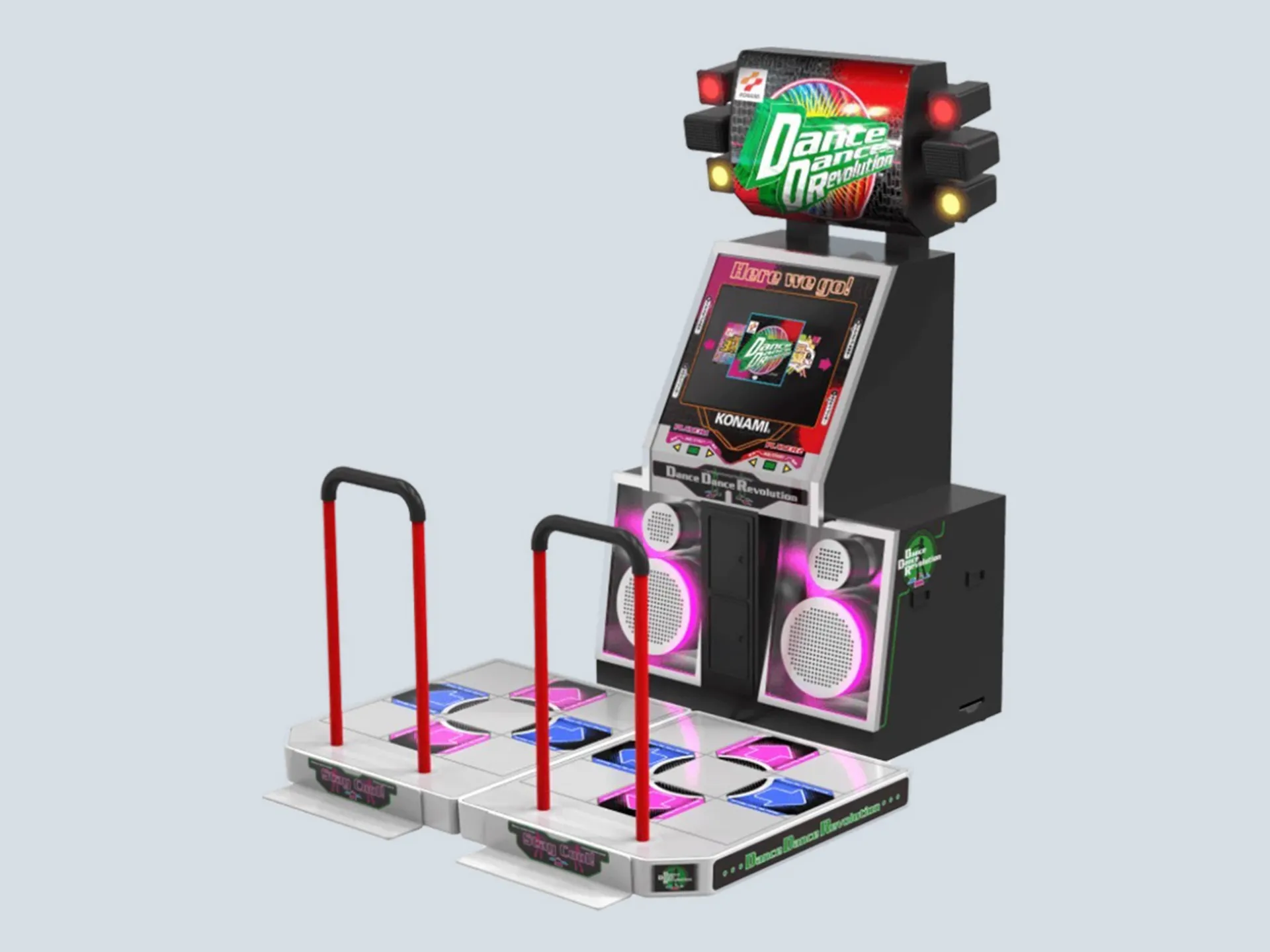
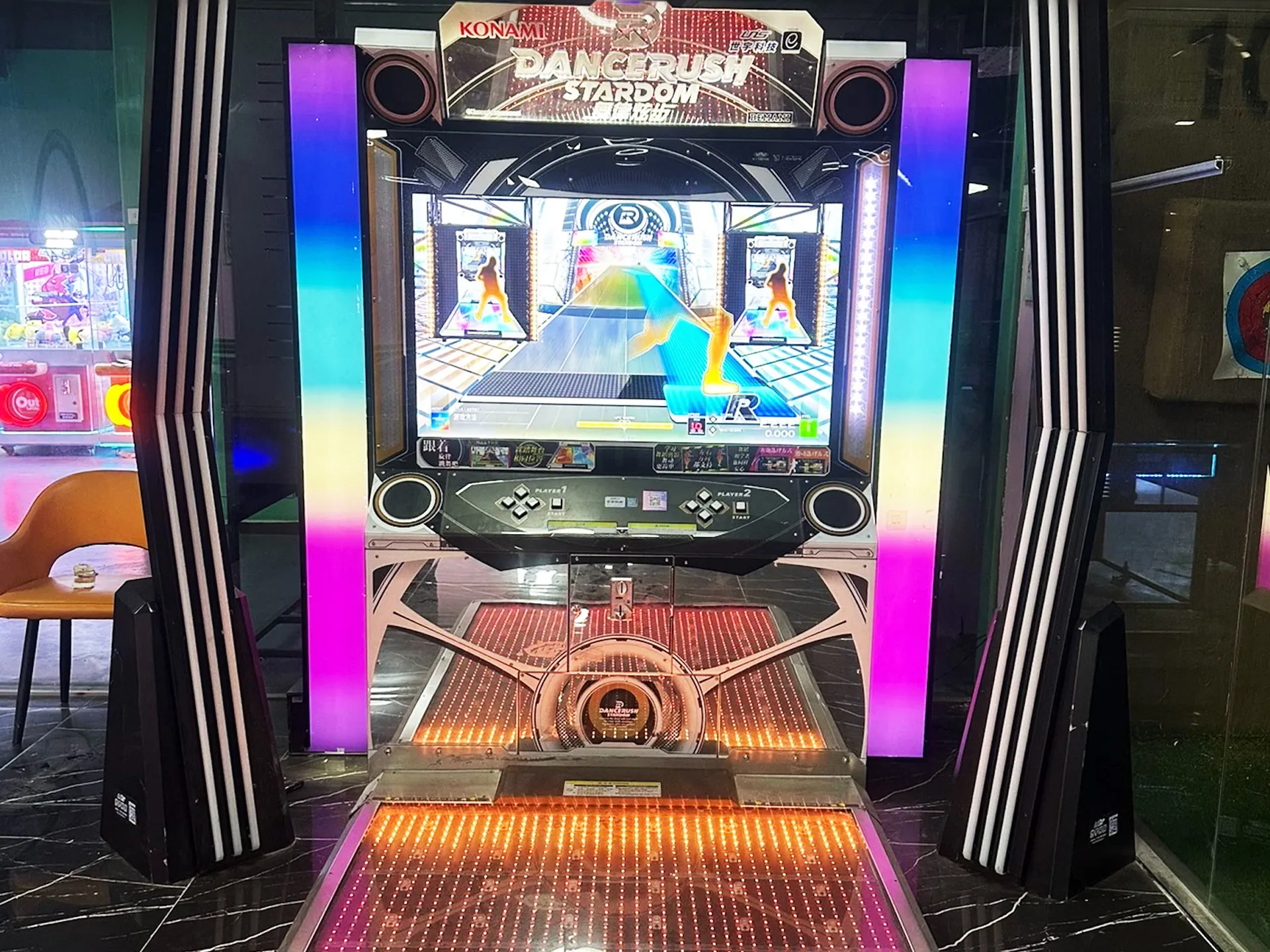
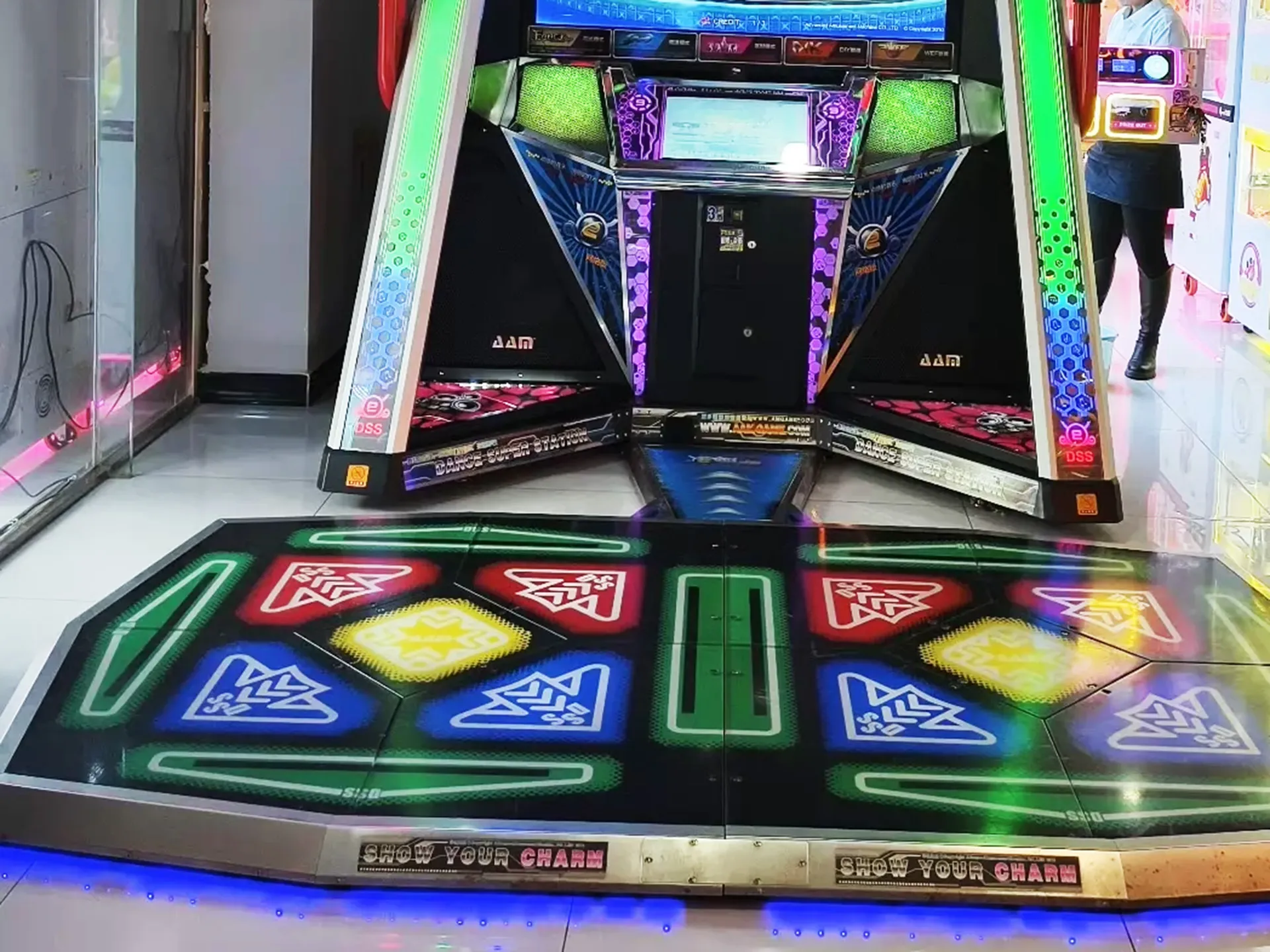
    Dance Dance Revolution

    Konami's rhythm phenomenon proved that full-body motion games could be a global hit: arcade floors became dance floors.

    Wikipedia ↗
    Dance Dance Revolution arcade, 1998
    DDR dance pads, 1998
    Playing Dance Dance Revolution, 1998
  4. 2003

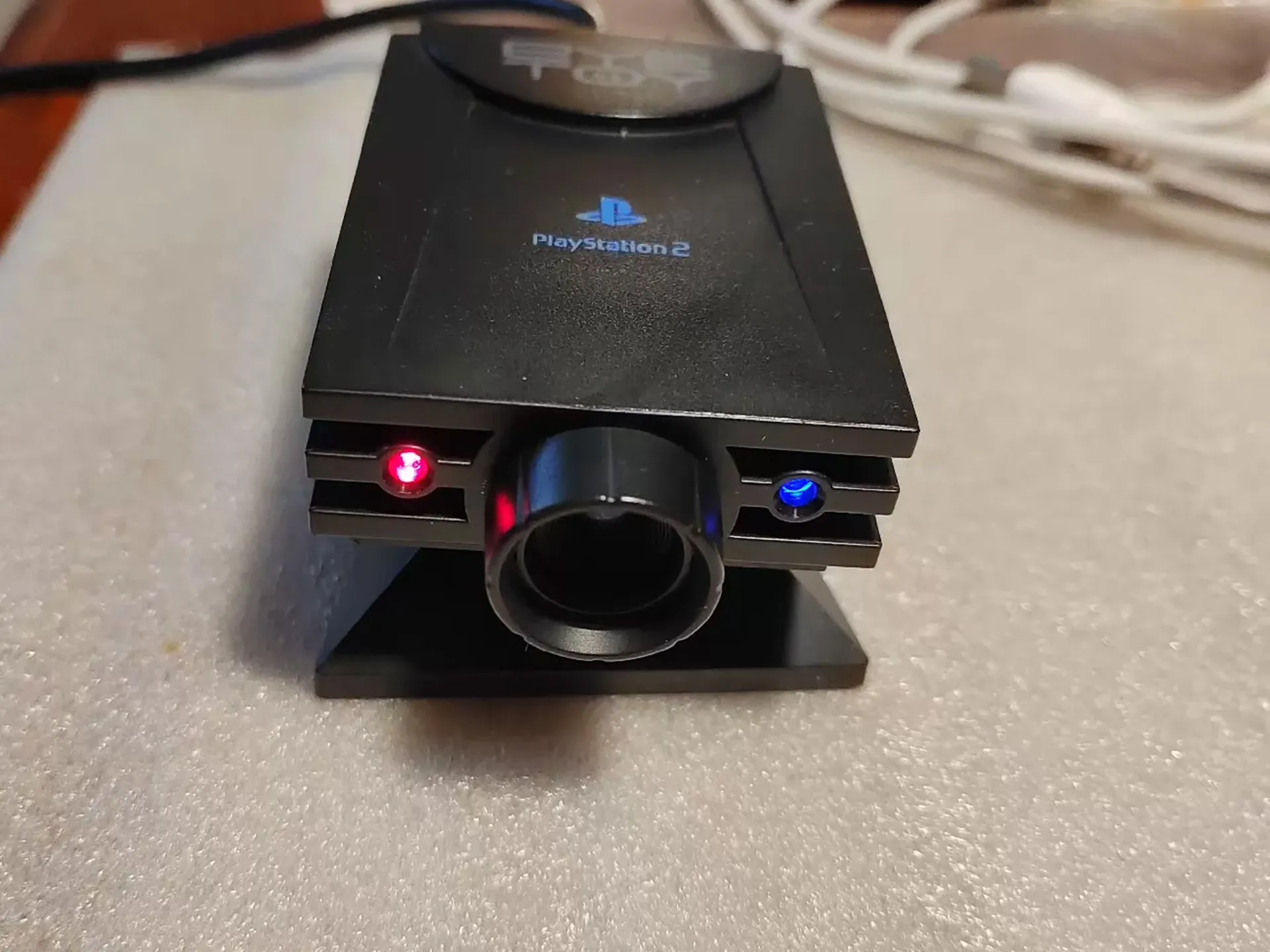
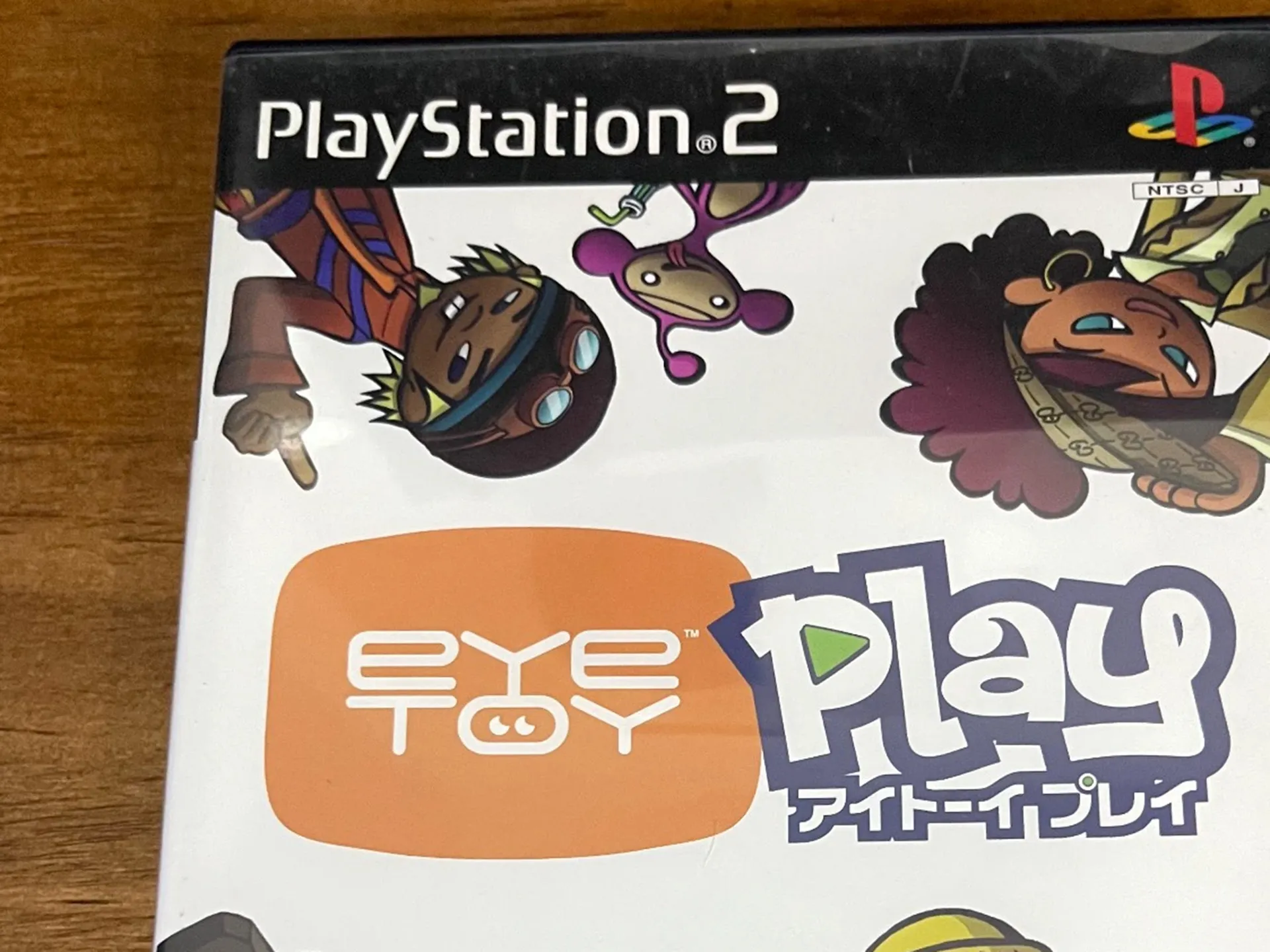
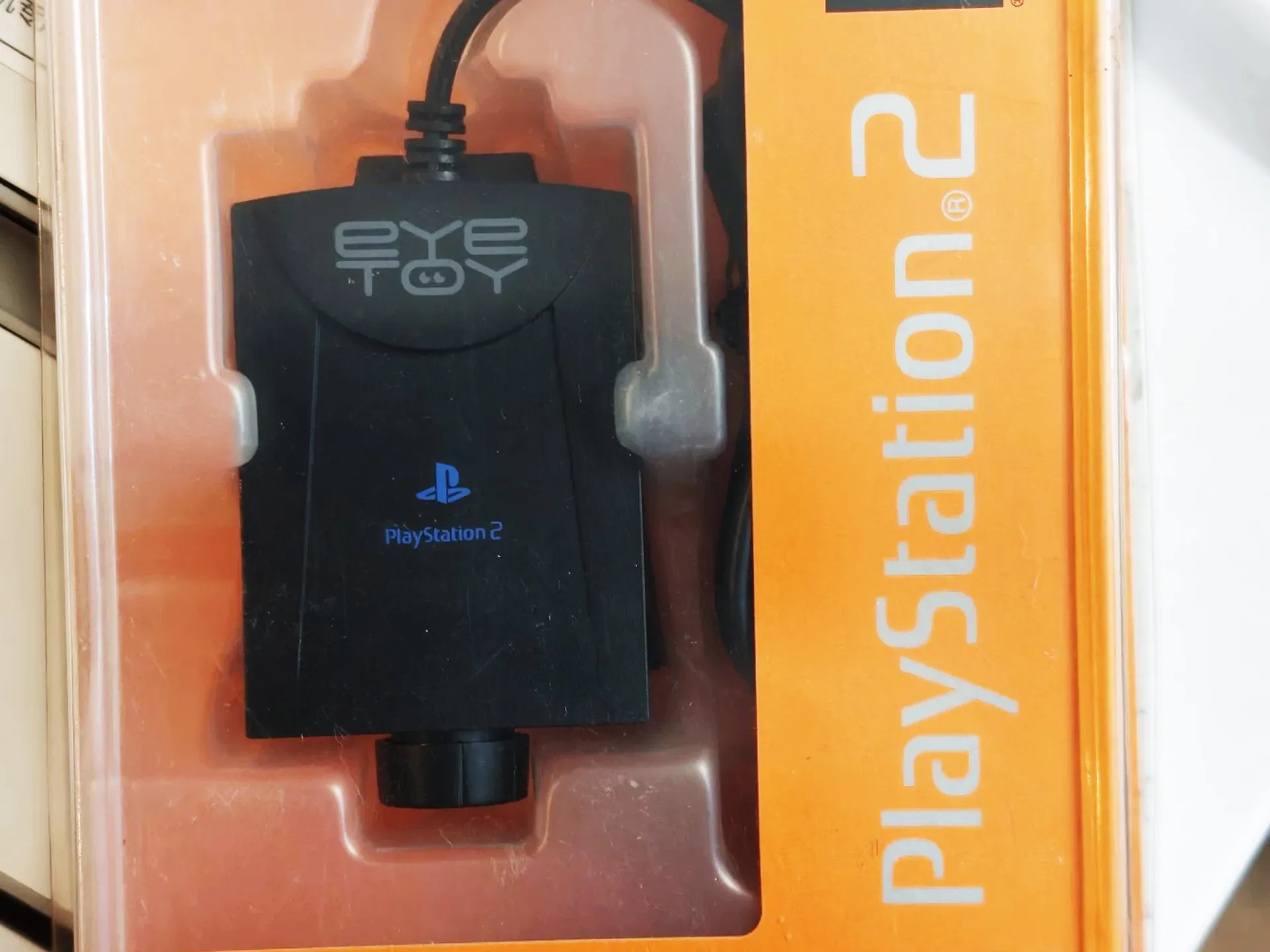
    The Sony EyeToy

    The first mass-market camera-based console game. Suddenly, no controller at all: players appeared on screen and interacted with games using their bodies.

    Wikipedia ↗
    The Sony EyeToy camera, 2003
    EyeToy gameplay on screen, 2003
    Playing EyeToy with body movement, 2003
  5. 2006

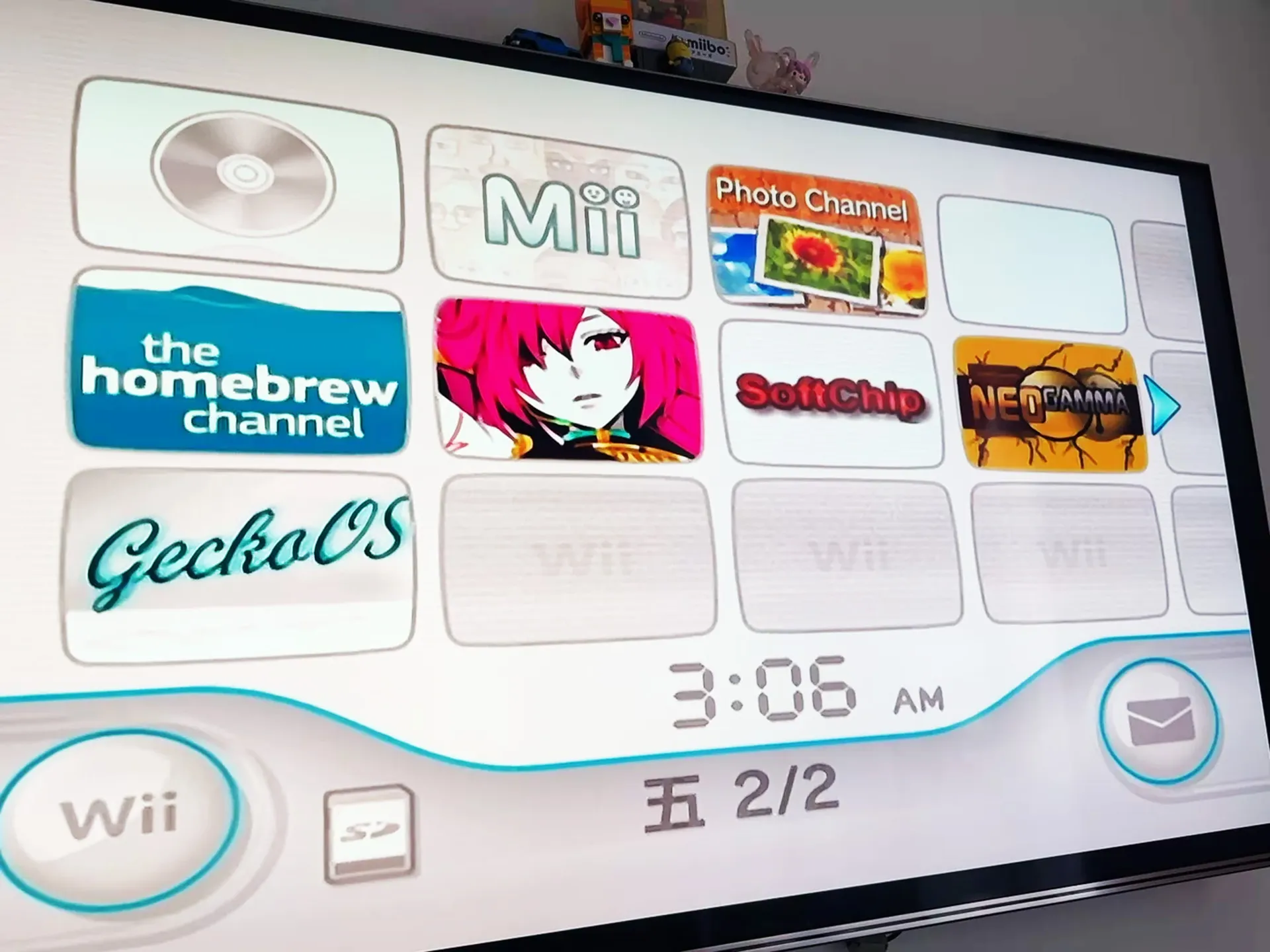
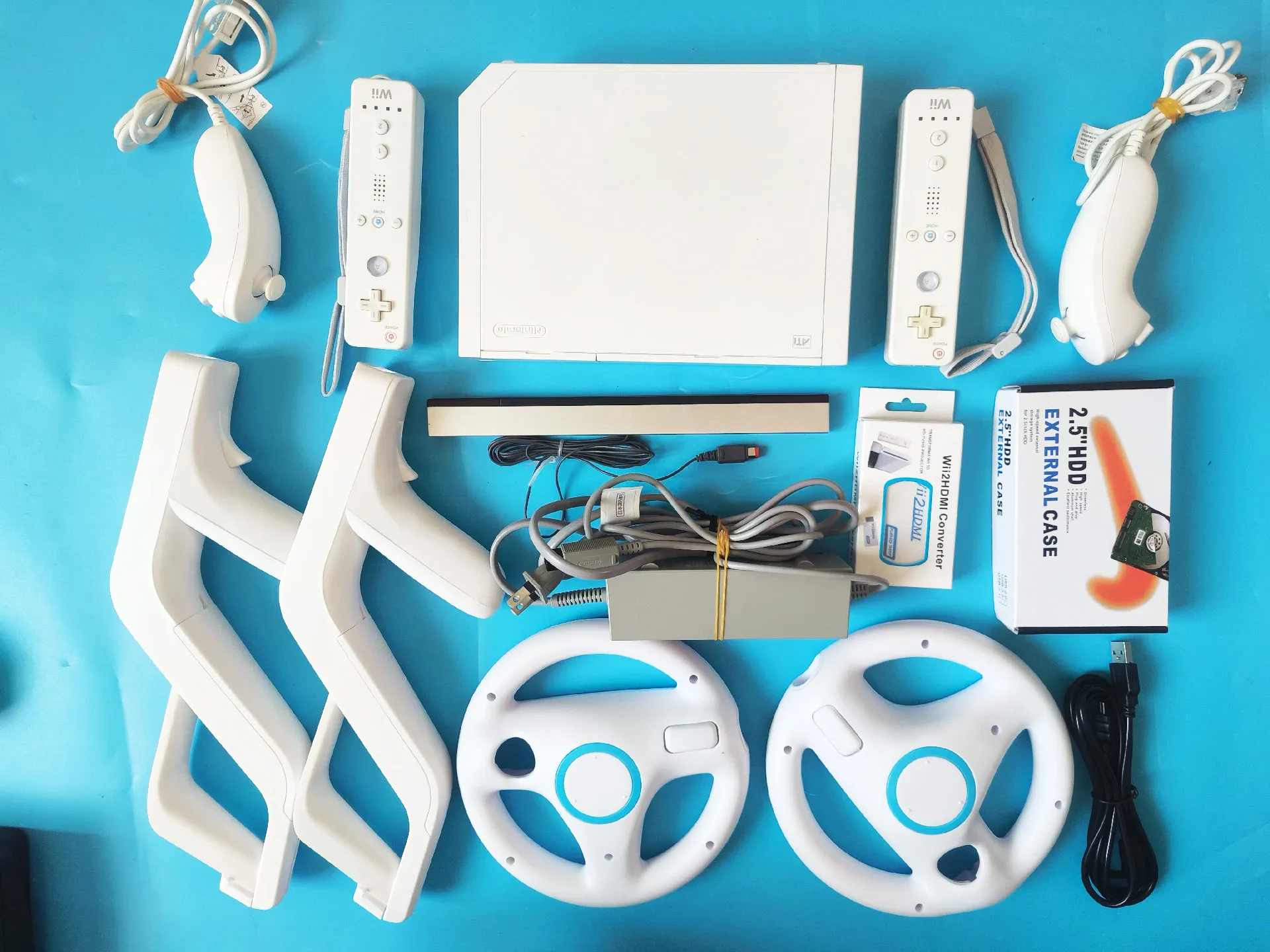
    The Nintendo Wii

    Motion control went mainstream. The Wii Remote's accelerometer made swinging, pointing, and bowling feel natural, and brought motion games into tens of millions of living rooms.

    Wikipedia ↗
    The Nintendo Wii and remote, 2006
    Wii Remote motion gaming, 2006
    Playing the Nintendo Wii, 2006
  6. 2010

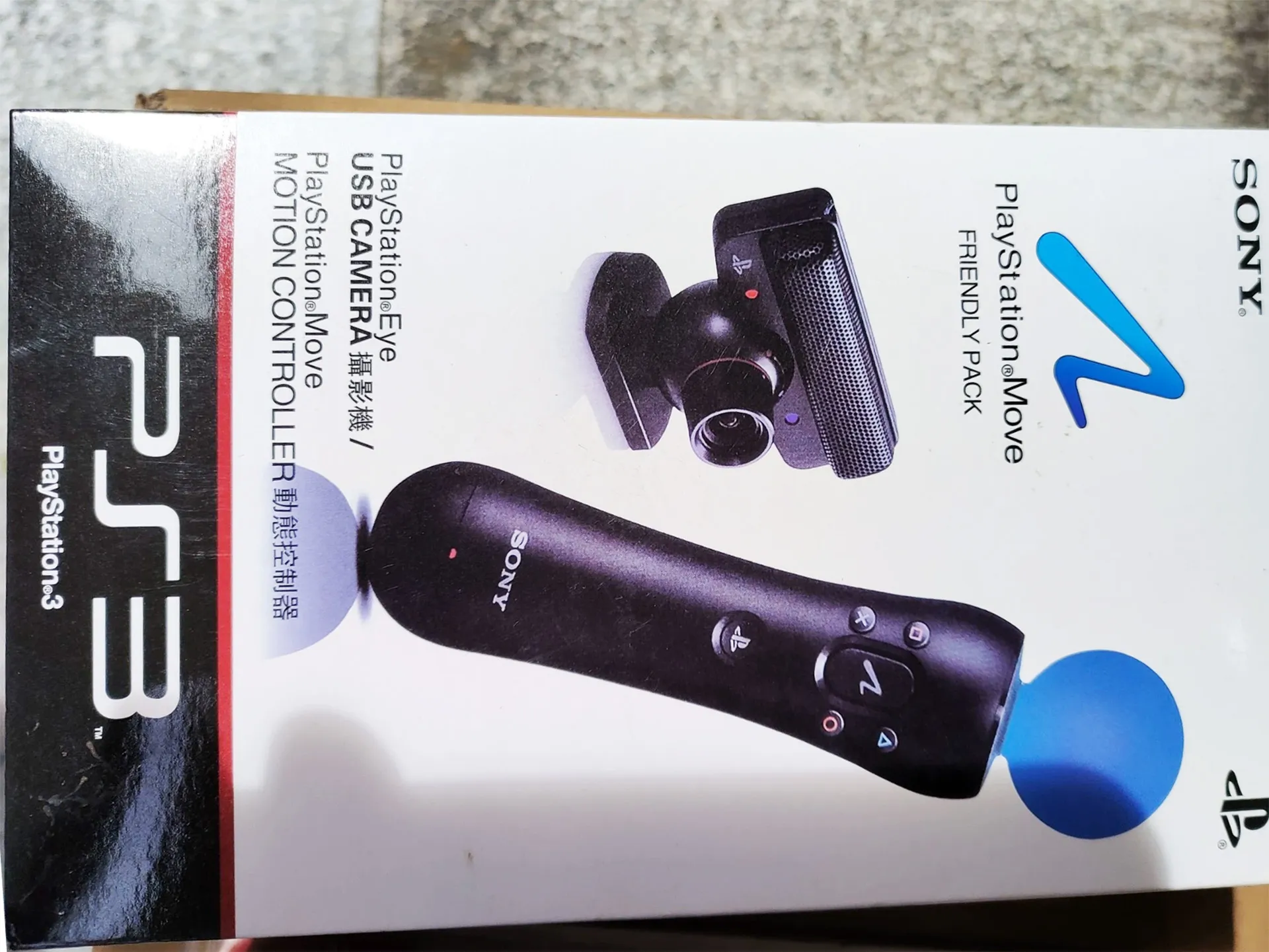
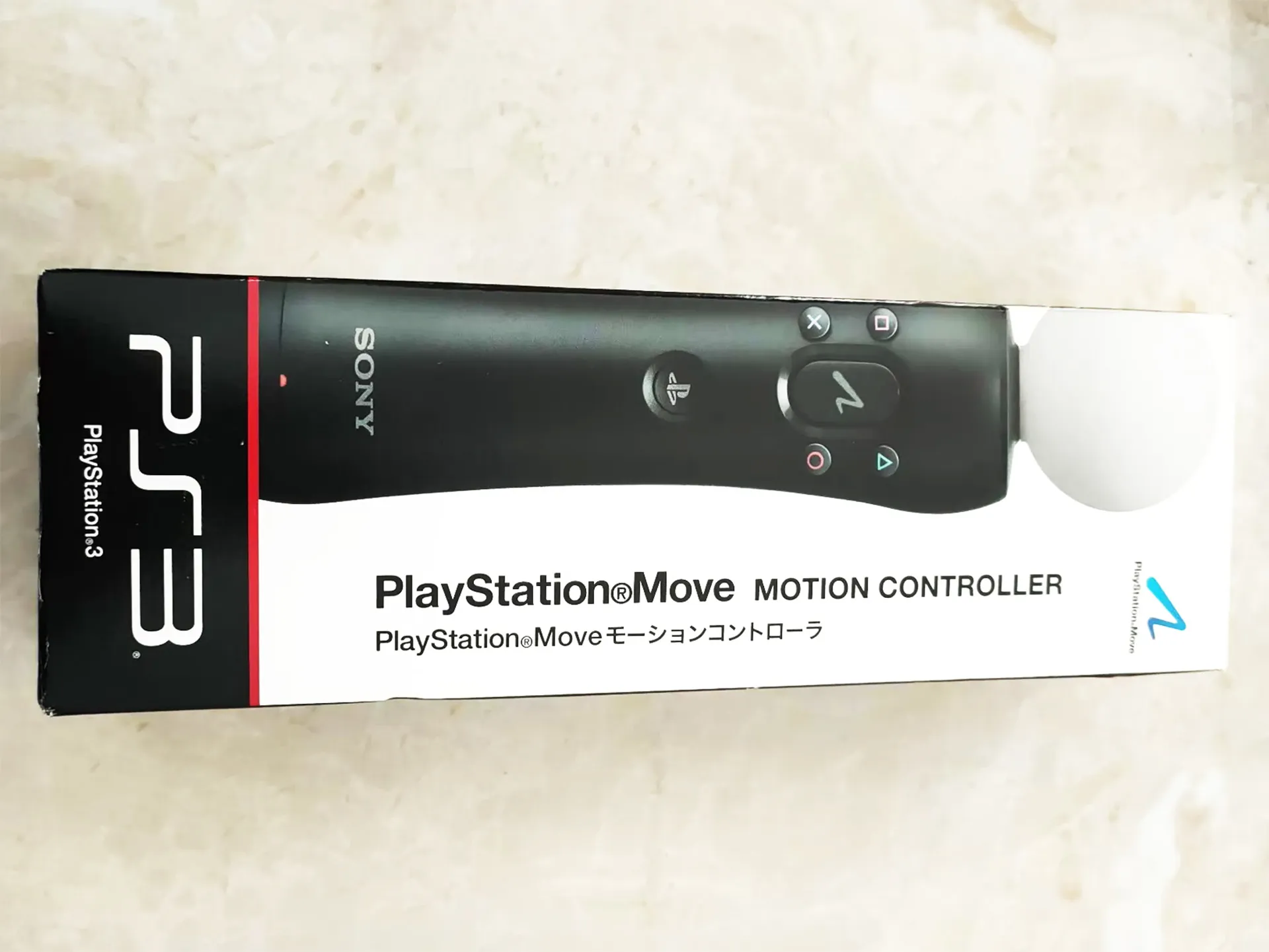
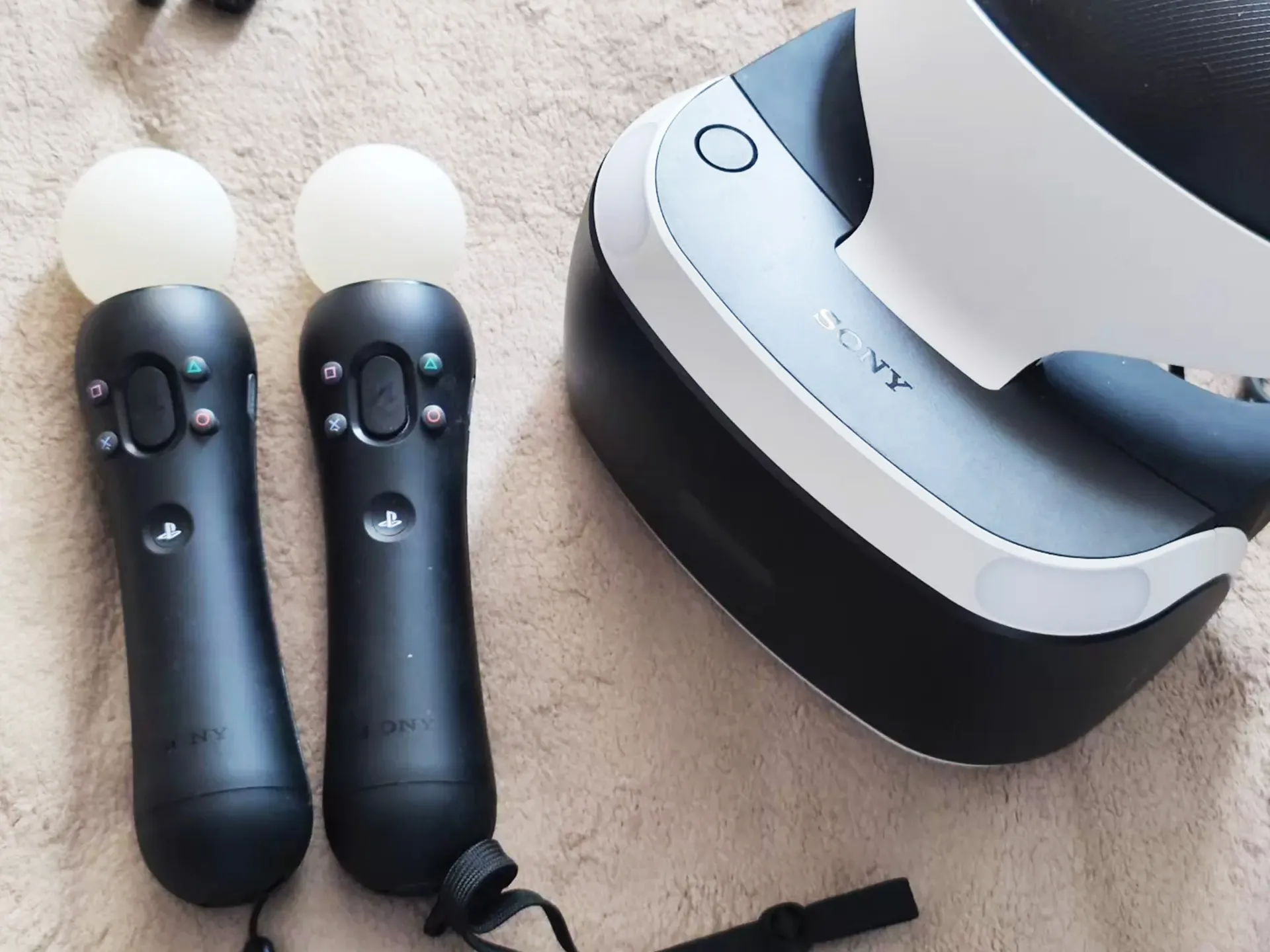
    Kinect and PlayStation Move

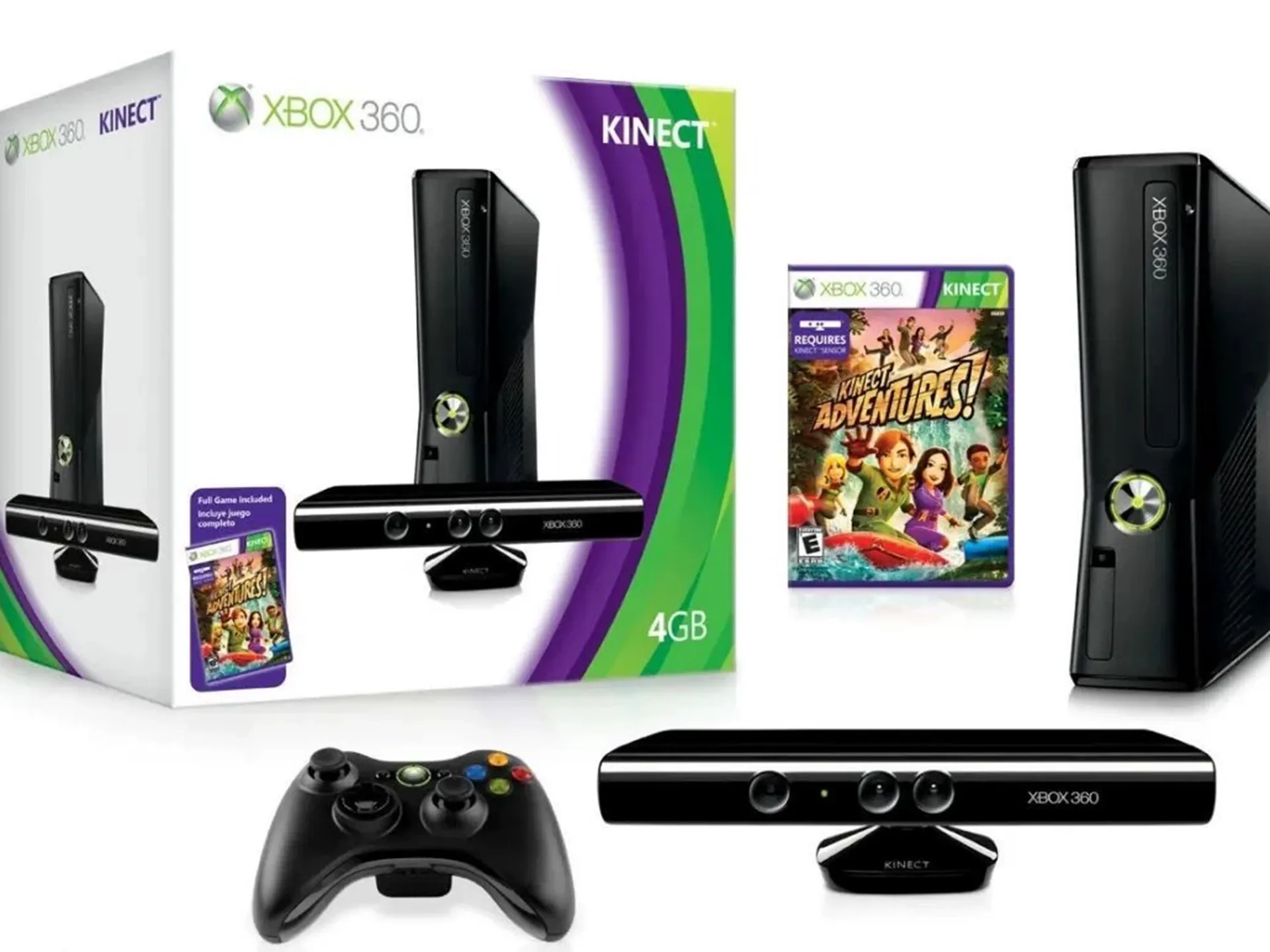
    Microsoft's Kinect removed the controller entirely, using a depth camera to track your full skeleton. It was, at the time, one of the most advanced consumer computer vision products ever shipped, a milestone in the evolution of motion gaming.

    Kinect ↗PlayStation Move ↗
    Microsoft Kinect depth camera, 2010
    Kinect full-body tracking, 2010
    PlayStation Move motion controller, 2010
  7. 2016

    VR and beyond

    Headsets pushed motion interaction into fully immersive 3D spaces.

    Wikipedia ↗
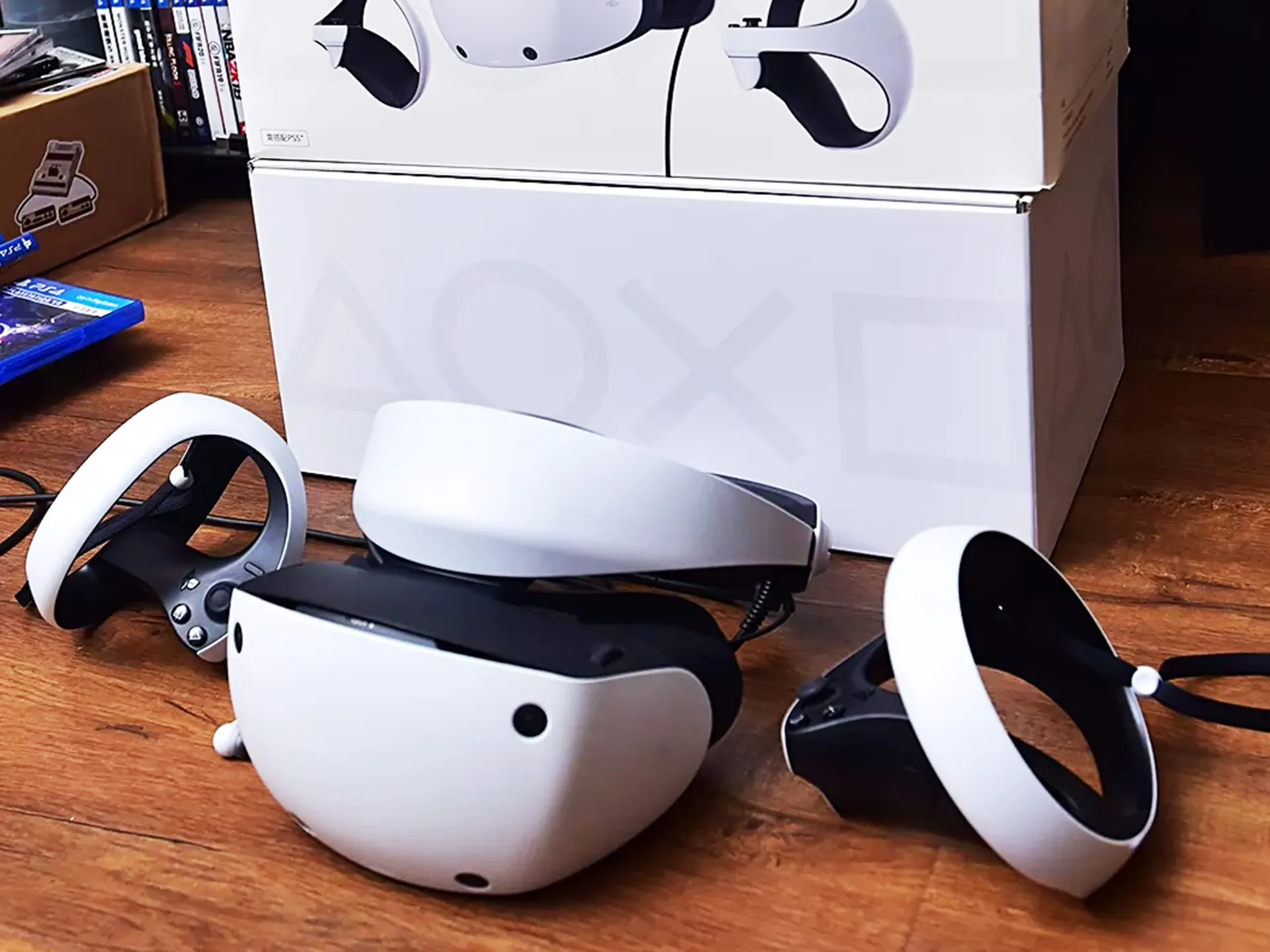
    Virtual reality headset, 2016
    VR immersive gaming, 2016
    VR headsets and motion, 2016
  8. 2020s

    The browser revolution

    The latest decade quietly changed the rules. As JavaScript grew faster and machine learning models were optimized for the web, the same computer vision that powered dedicated consoles began running in ordinary browsers with no hardware required. What once took a room of sensors now fits inside a single camera, and webcam motion games were born.

    Wikipedia ↗
    WebAssembly powering browser games, 2020s
  9. Today

    The on-device AI era

    Here's the exciting part: the technology that once required dedicated hardware now runs on hardware you already own, and motion gaming has never been easier to enjoy.

    The engine behind this shift is MediaPipe, Google's open-source framework for building real-time multimodal machine-learning pipelines. Its pre-trained models run on-device at high frame rates, and its Web solutions run entirely in the browser with WebAssembly and WebGL acceleration: no servers, no installs. Through the MediaPipe Tasks API, camera frames turn into structured results like 33 body landmarks or 21 hand points within milliseconds, which is exactly what lets a webcam motion game see and understand your body in real time.

    Wikipedia ↗Official MediaPipe site ↗
    On-device AI motion games today

Motion Games Need No Special Equipment. Really.

The biggest barrier to motion games has always been the gear. The Wii needed its remotes. Kinect needed its sensor bar. VR needs a headset. Each one asked you to buy, set up, and store another device.

For playing the motion games,All barrier is gone.

Illustration of the latest motion games technology, needing no extra dedicated equipment at all.

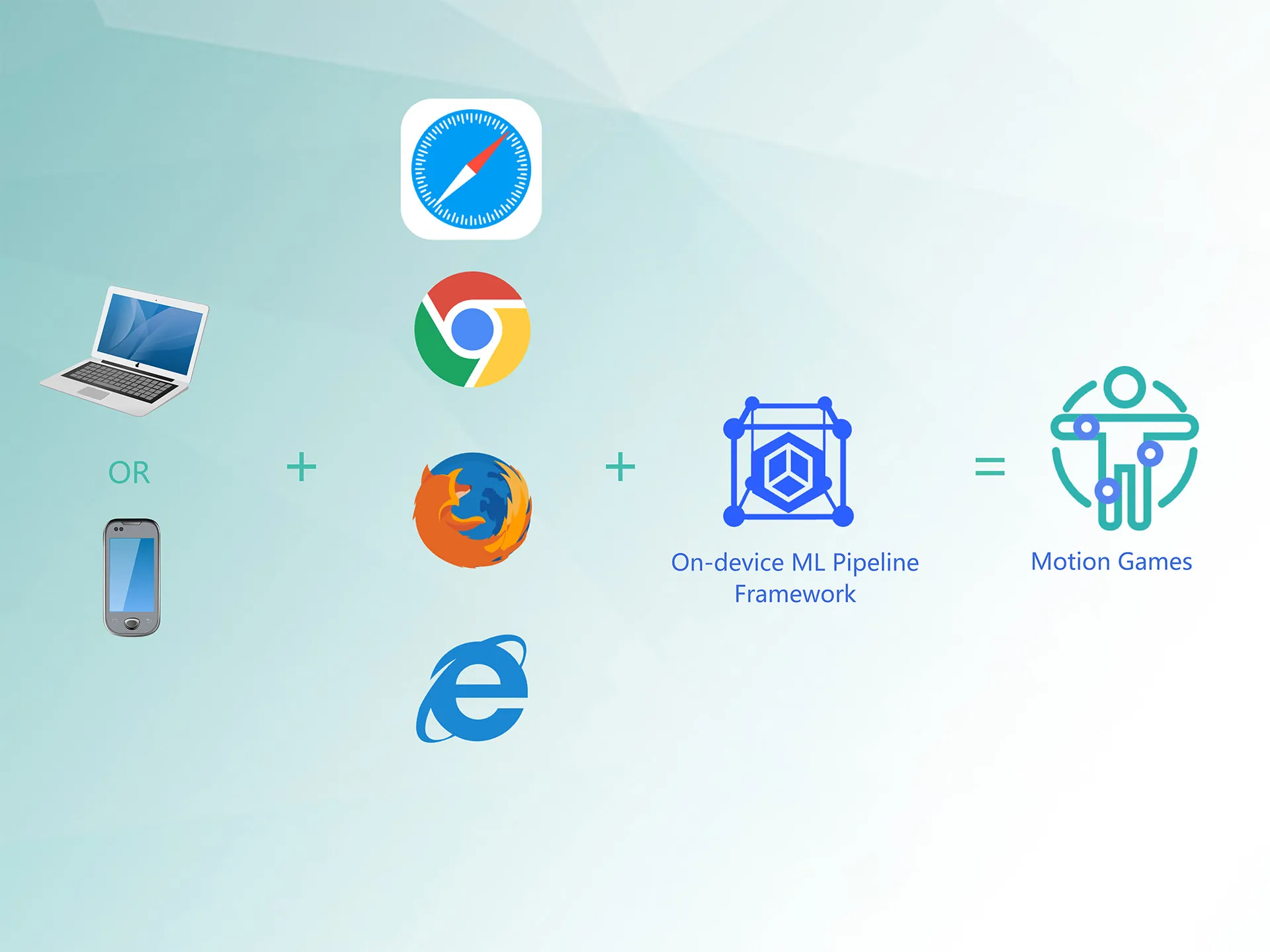
Playing motion games today needs nothing but the camera in front of you. Thanks to major advances in browser technology and on-device machine learning, any laptop, tablet, or phone with a built-in camera can now track your body in real time, no extra hardware, no downloads, no installs. Modern browsers provide secure, high performance access to the camera, and machine learning models run directly on your own device, which means:

Fewer steps
Fewer stepsOpen the SwayJoy website and start moving.
No extra costs
No extra costsYour existing laptop is sufficient hardware.
Privacy Friendly
Privacy Friendly100% On‑Device Motion Recognition
Fully cross‑platform
Fully cross‑platformAvailable for Windows, Mac, Chromebook, Android and iOS.

Motion games went from "buy a console" to "open a tab." Motion games that run in a browser tab can be shared with a single link: send one to a friend and they're playing within seconds, on any device they own.

Console vs Browser: What the Switch Actually Changed

Every era of motion gaming answered the same question — how do I read a moving body? — by adding more hardware. The browser era answered it with software that runs on the camera you already own:

Console motion games
(2000s–2010s)
Browser motion games
(today, like SwayJoy)
Hardware neededA console plus a dedicated controller or sensor — Wii Remote (2006), Kinect sensor bar (2010), PlayStation MoveA browser and the webcam already inside your laptop, tablet, or phone
Where tracking runsDedicated console hardware or a depth cameraOn your own device, in the browser, via WebAssembly and WebGL
Cost to join inBuy the console, then buy each game separatelyEvery game is free — nothing to download or install
Getting startedSet up the sensor, connect the console, calibrateOpen a link and allow camera access
Sharing a gameA physical disc or store download for one consoleOne URL plays on any device you own
Your camera dataTracked by dedicated hardware sitting in the roomFrames analysed on your device and never uploaded

Powered by MediaPipe: The Eyes of Motion Games

None of this would be practical without MediaPipe, Google's open-source framework for building real-time multimodal (video, audio, etc.) machine learning pipelines. MediaPipe ships production-grade, pre-trained vision models that run at high frame rates, even on ordinary laptops and phones, and its Web solutions run entirely in the browser using WebAssembly and WebGL acceleration.

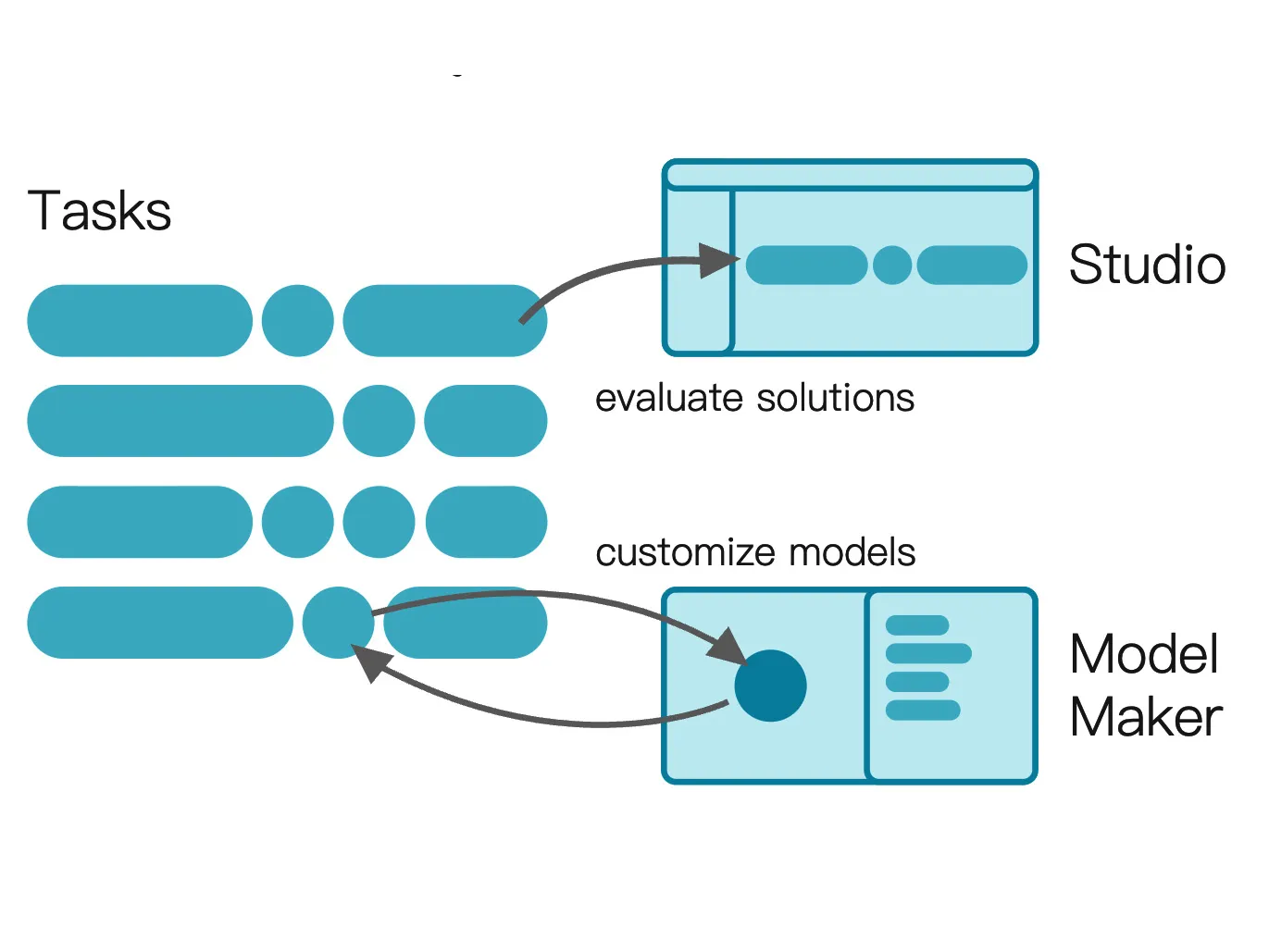
MediaPipe is built on the MediaPipe Tasks API, a modern, unified interface that makes state-of-the-art machine learning easy to integrate. Developers simply load a model, pass in a video frame, and read back structured results, such as 33 body landmarks or 21 hand points, within milliseconds. The models are pre-trained and ready to use, yet creators can also train custom classifiers with MediaPipe Model Maker for their own games. Because MediaPipe is cross-platform, the same pipeline can power a webcam motion game today and a mobile app tomorrow. Best of all, everything runs on-device: frames are analyzed locally, which keeps gameplay fast, responsive, and private.

MediaPipe provides the "eyes" of modern motion games. Its main capabilities include:

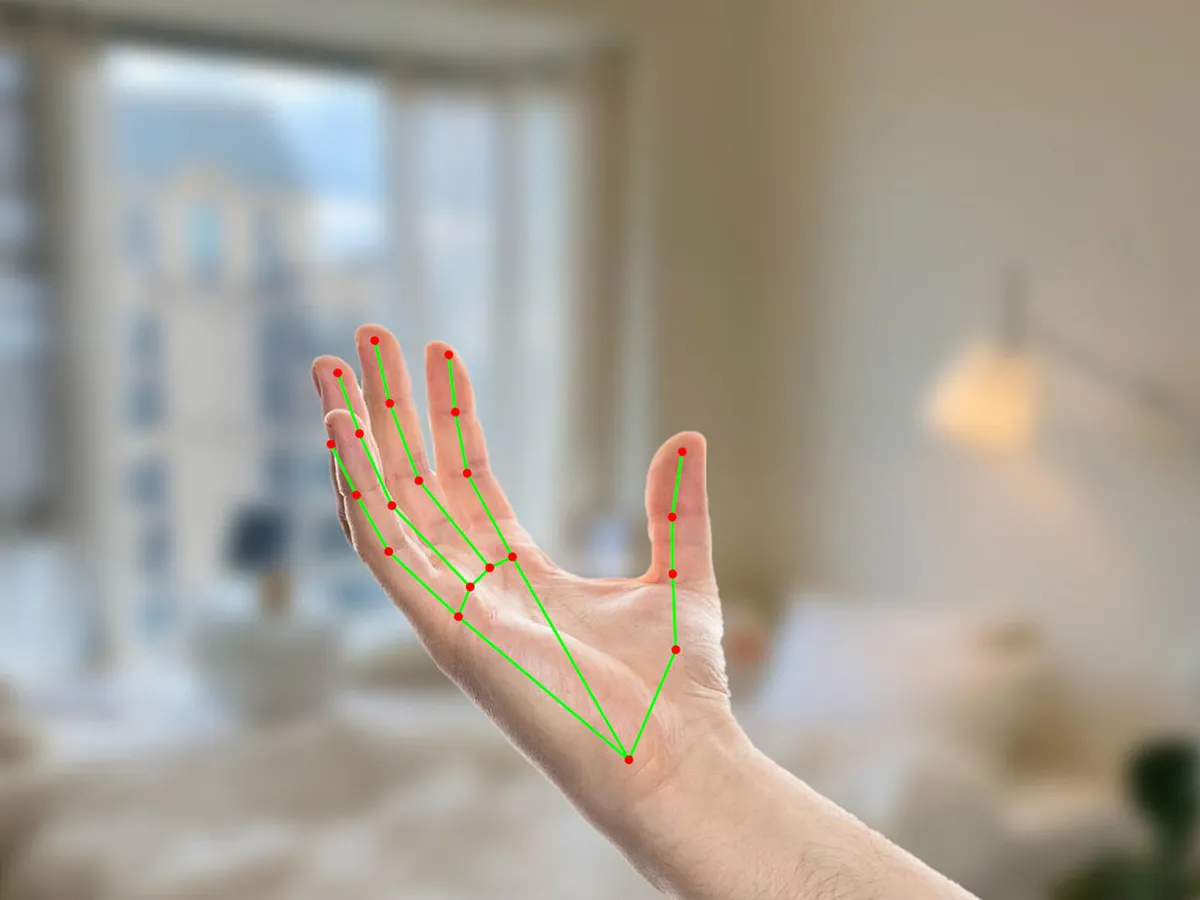
Hand Tracking

Hand Tracking

Detects and tracks 21 landmarks per hand, including every finger joint, knuckle, and fingertip, in real time. This enables precise finger-level interaction: pinching, grabbing, counting fingers, drawing in the air, or playing a virtual piano.

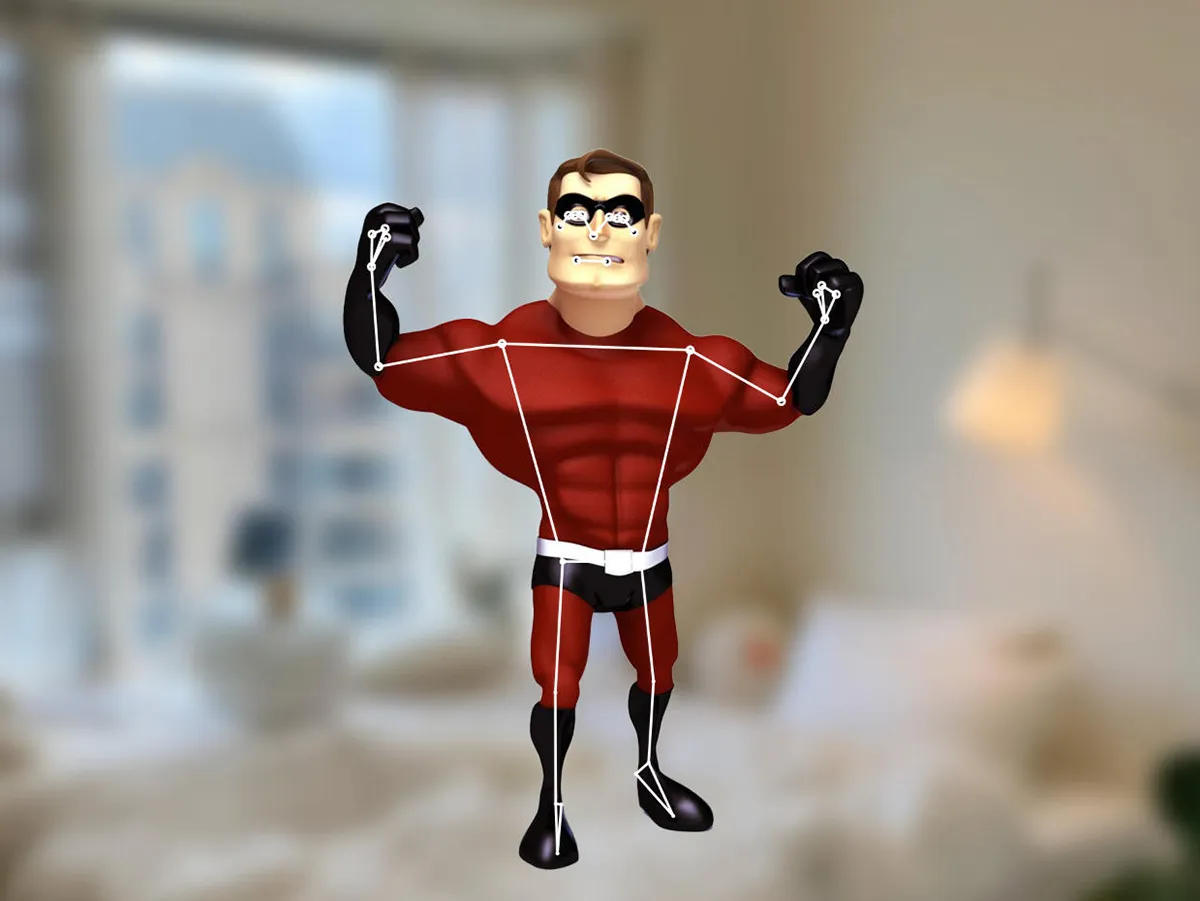
Pose Estimation

Pose Estimation

Tracks 33 skeletal landmarks across the body, from head to ankles. This is what makes full-body motion games possible: jumping jacks, squats, dodge moves, dance routines, and posture-based gameplay are all built on pose tracking.

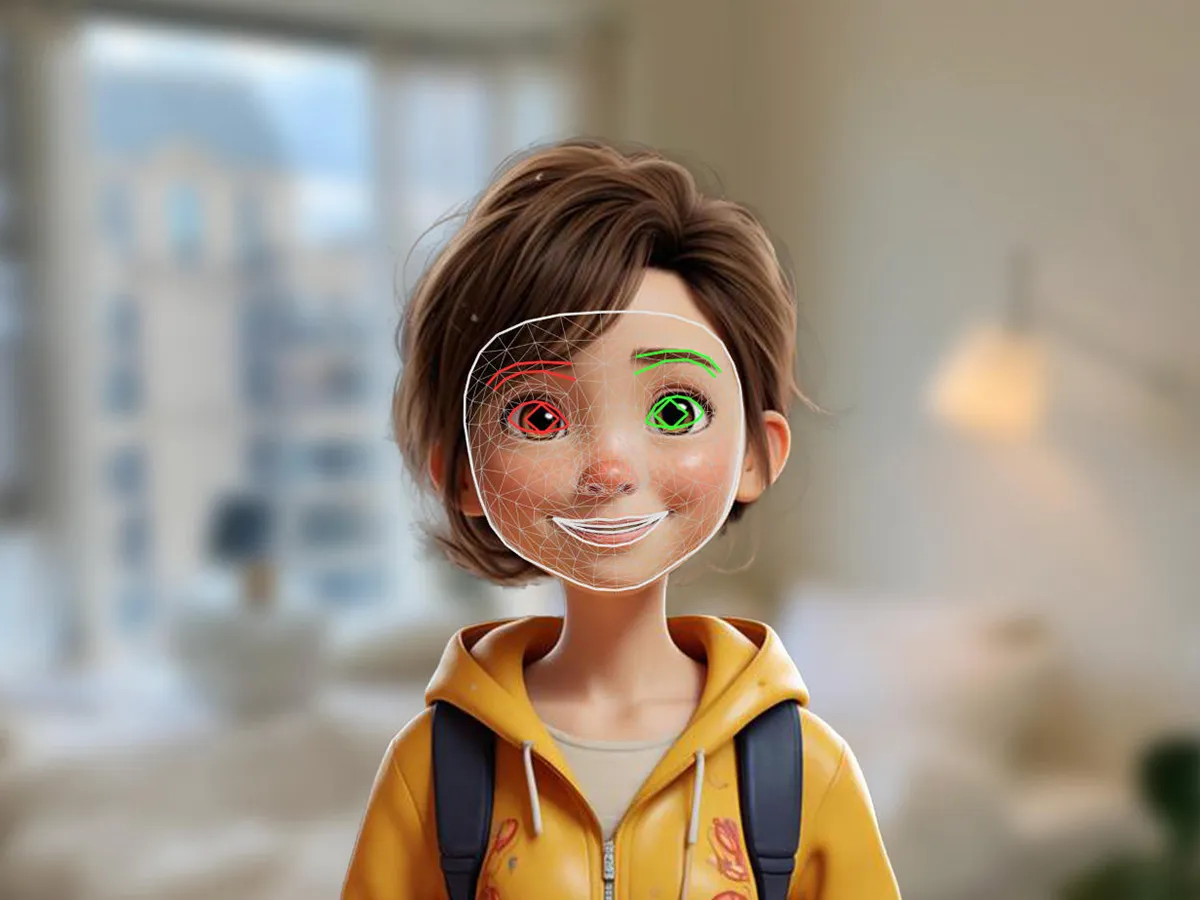
Face Mesh

Face Mesh

Maps 468 points on the human face, capturing expressions, blinks, head orientation, and mouth movement with remarkable fidelity. Face-driven motion games can make your smile, frown, or raised eyebrows part of the action.

Face Detection & Face Landmarks

Face Detection & Face Landmarks

Fast, lightweight detection that locates faces in a frame, the essential first step for any face-based interaction, even on low-powered devices.

Holistic Tracking

Holistic Tracking

The full stack combined: hands, face, and body tracked simultaneously in one synchronized pipeline. It is ideal for whole-body immersive experiences.

Beyond Vision: Audio and Customization

Beyond Vision: Audio and Customization

MediaPipe also supports audio processing, and tools like Model Maker let creators fine-tune and adapt models to their own domains, so your game can even learn to recognize your custom gestures. Add a custom gesture to a motion game and you have a control scheme no one else has: the signature move is yours alone.

For game developers, MediaPipe is a gift: state-of-the-art computer vision, optimized for speed, free and open source, running on-device. It's the engine behind modern webcam motion games.

Everything in this section is documented first-hand by Google. Explore the framework and its vision solutions directly: MediaPipe ↗, Hand Landmarker ↗, Pose Landmarker ↗, and Face Landmarker ↗.

Why Motion Games Are Special

They get you moving

They get you moving

Motion games turn screen time into active time. A quick session can genuinely raise your heart rate, and it still feels like play, not exercise.
Social and shareable

Social and shareable

Watching someone flail, leap, and dodge around their living room is inherently funny. Motion games create the kind of laugh-out-loud shared moments that keyboard games rarely produce.

Instantly accessible

Instantly accessible

No controller to learn, no buttons to memorize. If you can move, you can play, which makes motion games wonderful for kids, parties, classrooms, and players who find traditional controllers difficult.

They feel like magic

They feel like magic

There's a moment, usually within the first ten seconds, when a new player realizes the game is actually watching them. That moment of delight never gets old.

Genuinely good for you

Genuinely good for you

From quick movement breaks to structured exercise games, motion games are one of the most fun ways to stay active, especially when going outside isn't an option.

For everyone

For everyone

A five-year-old can jump into a motion game in seconds, and a grandparent can enjoy the same experience without learning a single button. Families play together, classrooms move together, and even remote friends can challenge each other, all with nothing more than a webcam and a browser.

Is "playing" really good for you? The World Health Organization recommends adults get at least 150–300 minutes of moderate-intensity activity per week and reports that roughly one in four adults worldwide — and more than 80% of adolescents — are not active enough to meet those levels (Physical activity fact sheet, 26 June 2024). The movement inside a motion game counts toward that target, and because it feels like play rather than exercise, it is easier to keep coming back to than most workouts. World Health Organization · Physical activity fact sheet ↗

Motion Games: A Boundlessly Creative Medium

Motion games are one of the most creatively open frontiers in game design today. When the entire human body becomes the controller, the design space explodes:

🎵 Rhythm and dance games that score your grooves🏋️ Fitness adventures that hide workouts inside gameplay🧩 Gesture-driven puzzles and drawing games🎓 Educational games that teach through movement♿ Accessibility-first games for players who can't use traditional controllers🎨 Experimental art pieces that respond to your expressions🎵 Rhythm and dance games that score your grooves🏋️ Fitness adventures that hide workouts inside gameplay🧩 Gesture-driven puzzles and drawing games🎓 Educational games that teach through movement♿ Accessibility-first games for players who can't use traditional controllers🎨 Experimental art pieces that respond to your expressions

Because the barrier to entry has collapsed, both for players (just a webcam) and for creators (open-source tools like MediaPipe), this is a field where a small team with a bold idea can build something no one has ever played before. The rules are still being written, and every new game gets to invent its own grammar of movement.

Rapid prototyping makes this especially exciting. With MediaPipe, a new game idea can go from sketch to playable demo in a single afternoon: no physics engine, no motion-capture studio, just a model, a canvas, and imagination. That speed is why so many creative teams, including ours, keep coming back: motion games reward experimentation like almost nothing else. These examples barely scratch the surface: every month, teams around the world publish new motion games that surprise us.

Made With Passion for Motion Games

We're a small team with a big love for motion games. Every project we build starts the same way: someone on the team gets an idea, prototypes it that afternoon, and then we all end up taking turns leaping around a webcam, laughing at how absurd, and how delightful, it is.

We believe motion games are still in their early chapters. The hardware is everywhere, the tools are open, and the possibilities are wide open. We're building motion games because we genuinely can't stop: every time we finish one, we can't wait to start the next. New ideas land in our chat every day, from rhythm games to fitness quests to party games for family reunions, and most of them become playable prototypes within days. The webcam era of motion games is a golden age for makers, and we believe the best motion games are still ahead of us. We intend to stay in this space for a long time.

Sources & Further Reading

Where the facts in this article come from, if you would like to read further. Each entry links to a named primary or encyclopedia source:

  • MediaPipe — Google's open-source, on-device framework for real-time machine learning (official site ↗)
  • MediaPipe Tasks · Hand Landmarker — the model behind the 21-point hand tracking described above (docs ↗)
  • MediaPipe Tasks · Pose Landmarker — the model behind the 33-point full-body tracking described above (docs ↗)
  • World Health Organization — Physical activity fact sheet — the 150–300 weekly minutes guideline and the one-in-four-adults inactivity figure quoted above (who.int ↗)
  • Wikipedia — the history articles cited inline above: Power Glove, Sega Activator, Dance Dance Revolution, EyeToy, Wii, Kinect, PlayStation Move, Virtual Reality, WebAssembly, and MediaPipe

Frequently Asked Questions

Do I need any special equipment to play?
No, nothing more than the webcam built into your laptop, tablet, or phone. Every game on SwayJoy runs in your browser with gesture recognition. There's nothing to download, install, or buy.
Why does the game ask permission for my camera?
Your camera turns your body and hands into the controller. The site tracks gestures like pinching, swiping, clapping, or tilting and translates them into gameplay. Press "Allow" when the browser asks, and keep your hands or your whole body in view of the camera.
Is my camera feed recorded or uploaded anywhere?
No. All motion tracking runs on-device in your browser, powered by Google's open-source MediaPipe. Your camera feed is analyzed locally for gesture detection and is never stored or transmitted anywhere.
Do the games work on my phone or tablet?
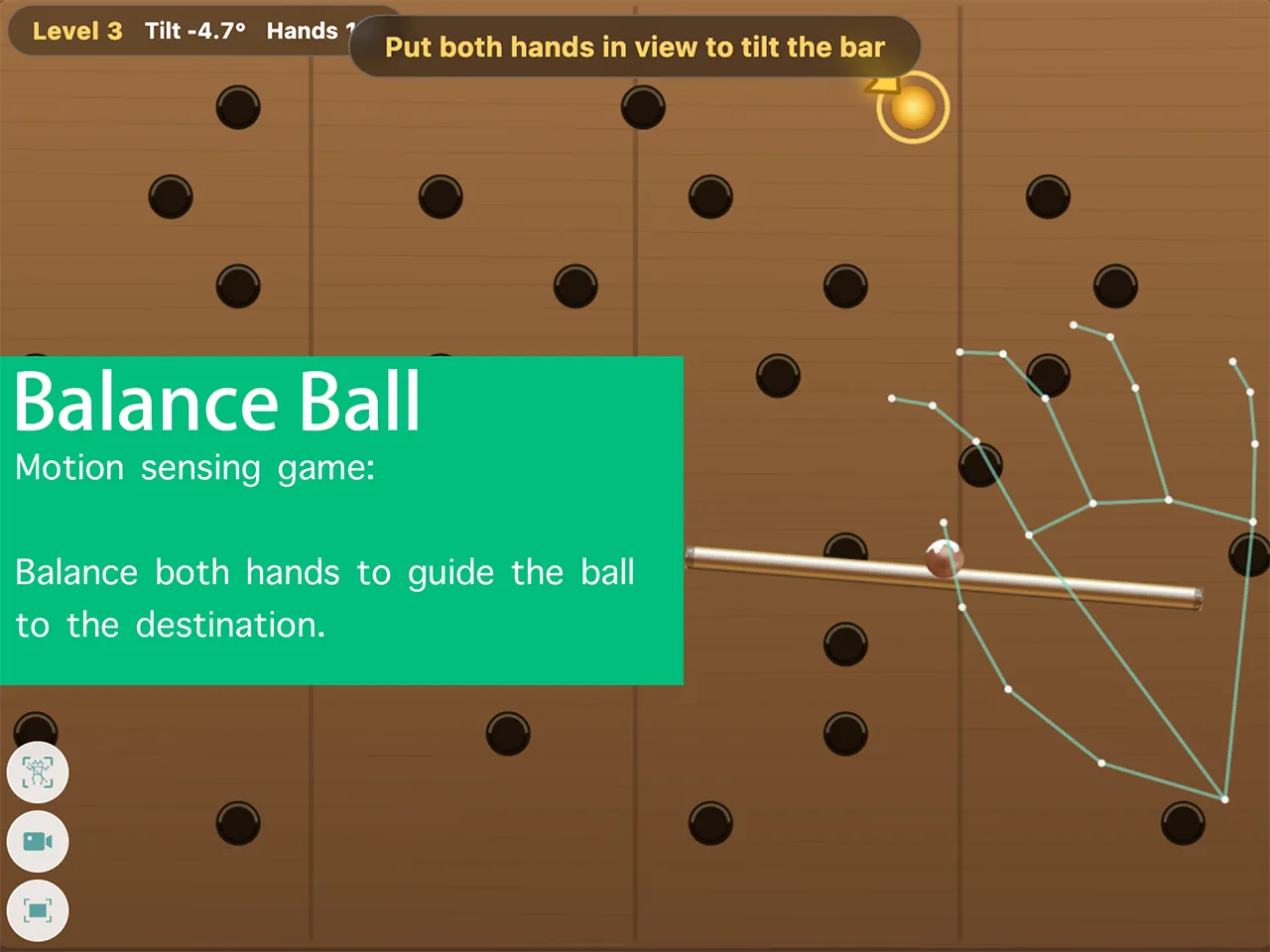
Yes. Any device with a modern browser and a camera works, including Windows, Mac, Chromebook, Android, and iOS. For two-hand control (like Hand Tilt Balance Ball), step back a little so both hands stay inside the frame.
The game can't seem to see me. What should I do?
Allow camera access if you haven't, stand in front of the camera in a well-lit room, and avoid strong light shining from behind you. Step back until your hands or body fit inside the frame, close other tabs that are using the camera, and reload the page.
Is SwayJoy really free?
Yes, every game is free to play right in your browser. There's no account, no download, and no payment, ever.
Can more than one person play together?
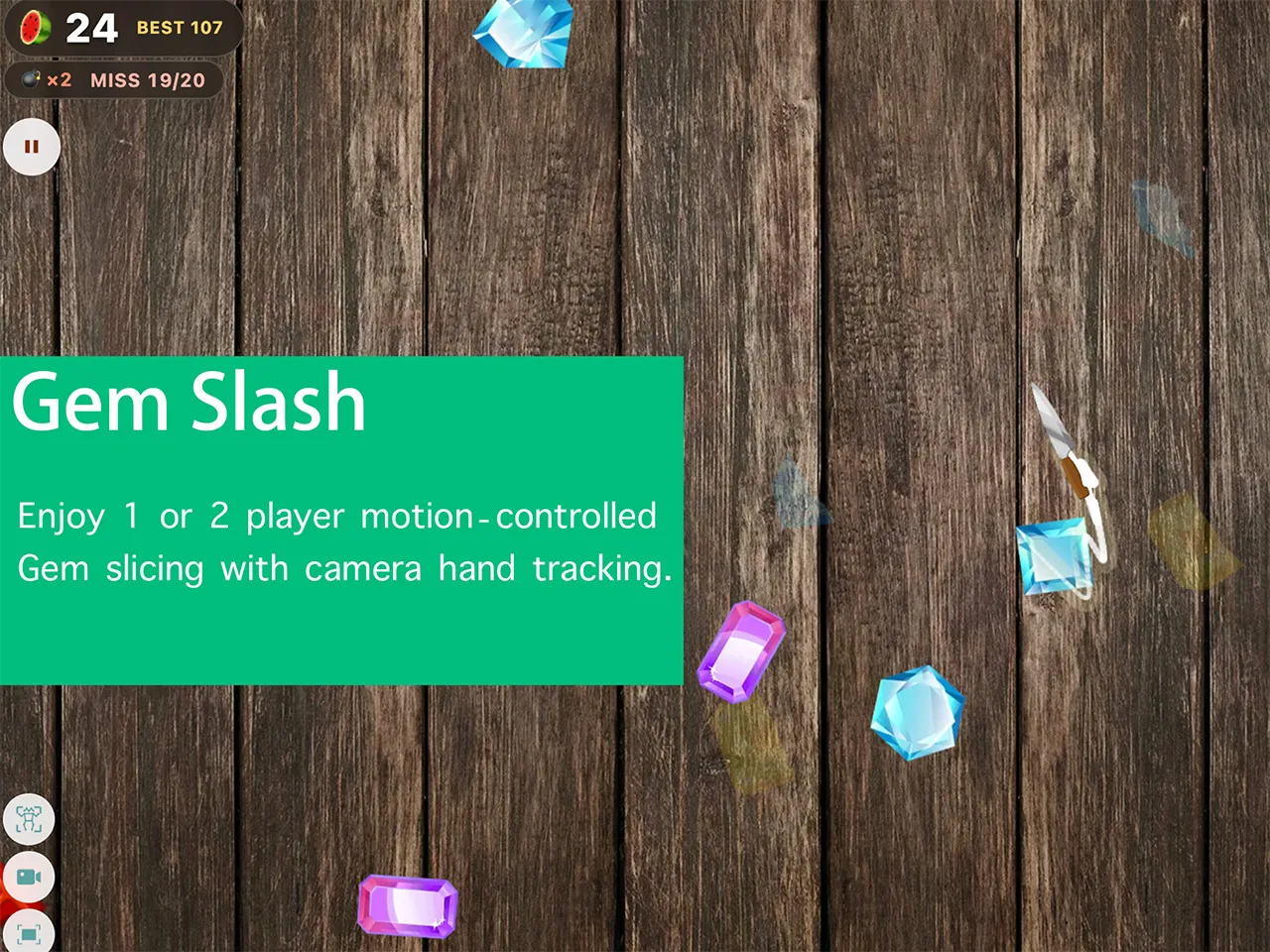
Yes. Hot Chicken is a party game for 2 to 6 players who take turns on the same device, and Gesture Gem Slash can track up to two bodies at once so two players can slash gems together.

Let's play motion games.

Sway with joy.