
Motion Bichon Duck Hunt – Hand Tracking Shooting Game
A little wag. A big adventure. Point your finger, pop a few ducks and meet your fluffy white Bichon buddy. Three cheerful arcade modes, with webcam, mouse and touch controls.
Getting the farm ready...
How to Play Motion Bichon Duck Hunt
1. Choose Webcam or Mouse / touch, then pick One duck, Double ducks or Duck party.
2. With webcam controls, point your index finger to aim. Open your mouth to shoot, then close it to prepare the next shot. Settings also offers shooting by pinching your other hand.
3. With a mouse, move to aim and click to shoot. On a touch screen, tap the duck you want to catch.
4. One duck and Double ducks give you three shots per hunt. Catch at least six out of ten ducks to advance.
5. Duck party gives you unlimited shots: catch at least three of five ducks per hunt and thirty per round. Three failed hunts end your run.
Use the pause button or P / Esc to take a break. Space fires at your current aim when the game field has focus.
A Fluffy Friend for a Classic Arcade Adventure
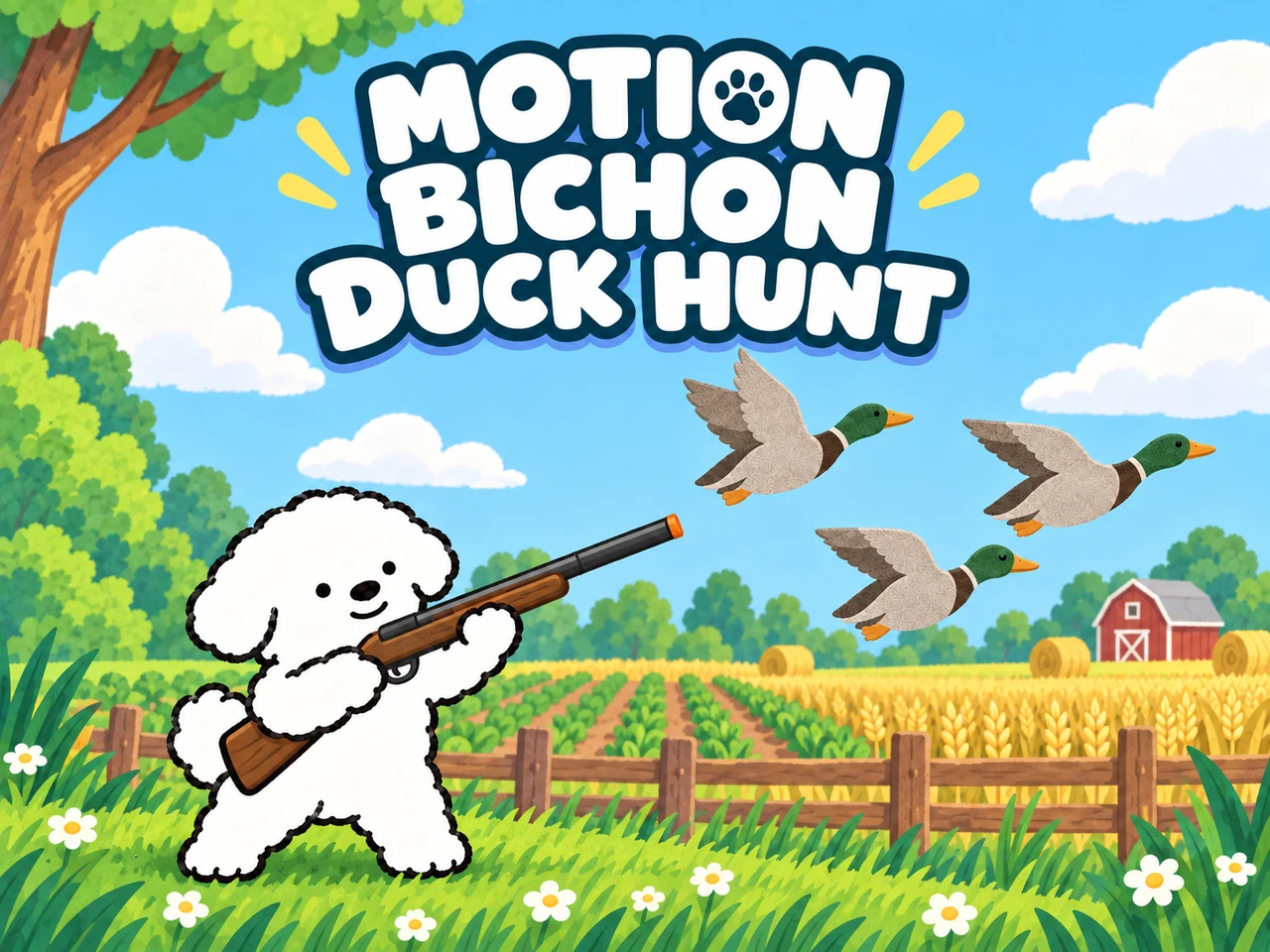
Motion Bichon Duck Hunt brings a familiar aim-and-shoot arcade loop to your webcam. Colorful ducks flutter over cheerful farmland while a little white Bichon Frise cheers you on. The dog and ducks are original illustrations made for this game, with a simple black-and-white hand-drawn Bichon and naturally colored, fabric-textured mallards. Suction-cup darts fly toward your aim; hit ducks close their eyes and tumble down. Your Bichon pops up holding a duck by its neck to celebrate a catch, or covers its mouth and giggles when every duck escapes.
Three Ways to Chase a Better Score
Warm up with a single duck, share your three shots between two moving targets, or join a five-duck party with unlimited ammunition. Every mode has its own best score. Later rounds add speed and shorten the aiming window, so a careful first shot matters just as much as a quick follow-up.
Each catch starts at 100 points, with extra points for later rounds and consecutive hits. A missed shot ends your streak. Complete a round, catch your breath with your Bichon buddy, then choose when to start the next one.
Make Your Hands the Controller
Hand tracking turns your fingertip into the sight, with a mirrored view that makes left and right feel natural. Mouth shooting keeps aiming and firing separate. If you prefer to use only your hands, switch to two-hand pinch shooting in Settings. Open your pinching fingers fully between shots.
You choose whether to use a webcam. All tracking happens in your browser, and mouse or touch play needs no camera permission. Scores stay on your device: the daily record starts fresh each local day, while your all-time best stays until you clear your browser data.
FAQ
- How do I play with my webcam?
- Choose Webcam and allow camera access. Keep your pointing hand and face visible. Your index fingertip moves the sight; open your mouth to shoot, then close it before the next shot. Settings also offers a two-hand mode: aim with one hand and pinch your thumb and index finger together on the other.
- Can I play without a camera?
- Yes. Choose Mouse / touch, move to aim and click a duck to shoot. On phones and tablets, tap a duck. You can switch to these controls if your camera is unavailable.
- What are the three game modes?
- One duck gives you one target and three shots per hunt. Double ducks gives you two targets sharing three shots. Both require 6 catches out of 10 ducks per round. Duck party gives you five ducks at a time and unlimited shots: catch at least 3 per hunt and 30 per round. Three failed hunts end a Duck party run.
- How do scoring and progression work?
- Each catch earns 100 points, plus a round bonus and a consecutive-hit bonus. Missing resets the hit streak. Clear the round to continue with faster ducks and less time. Your best and daily best scores are saved separately for each mode on this device.
- Is this a global leaderboard?
- No. Scores are local to this browser and device, with separate all-time and daily records. No account or score upload is needed.
- Is my camera video recorded or uploaded?
- No. Hand and face tracking run locally in your browser. Camera frames are not recorded or uploaded. Leaving the game or selecting Mouse / touch stops the camera.