
Motion Stick Catch – Webcam Reaction Game
Watch the rack, follow the falling stick and close your fist to catch it. Put your reflexes to the test with your webcam, mouse or touchscreen.
How to Play Motion Stick Catch
1. Choose Warm-up, Classic or Lightning, then choose camera or mouse / touch controls.
2. With a webcam, press Start round first, then show one hand. Hand detection starts an automatic 3, 2, 1 countdown. Move your hand left, right, up or down to move the glove. The controls mirror you.
3. Wait for a blue stick to fall. Put the glove over it and close your fist to catch. Open your hand again before the next grab. Holding a fist will not catch automatically.
4. With a mouse, aim and click the falling stick. On a touchscreen, tap it. You can also focus the game, move with the arrow keys and grab with Space.
5. Catch as many of the 12 drops as you can. You have three chances per level. Clear all 12 drops to advance; three misses retry the same level. Both transitions start automatically after 3, 2, 1. Faster catches and consecutive catches earn more points. Press P or use Pause to take a break.
The Falling-Stick Challenge, in Your Browser
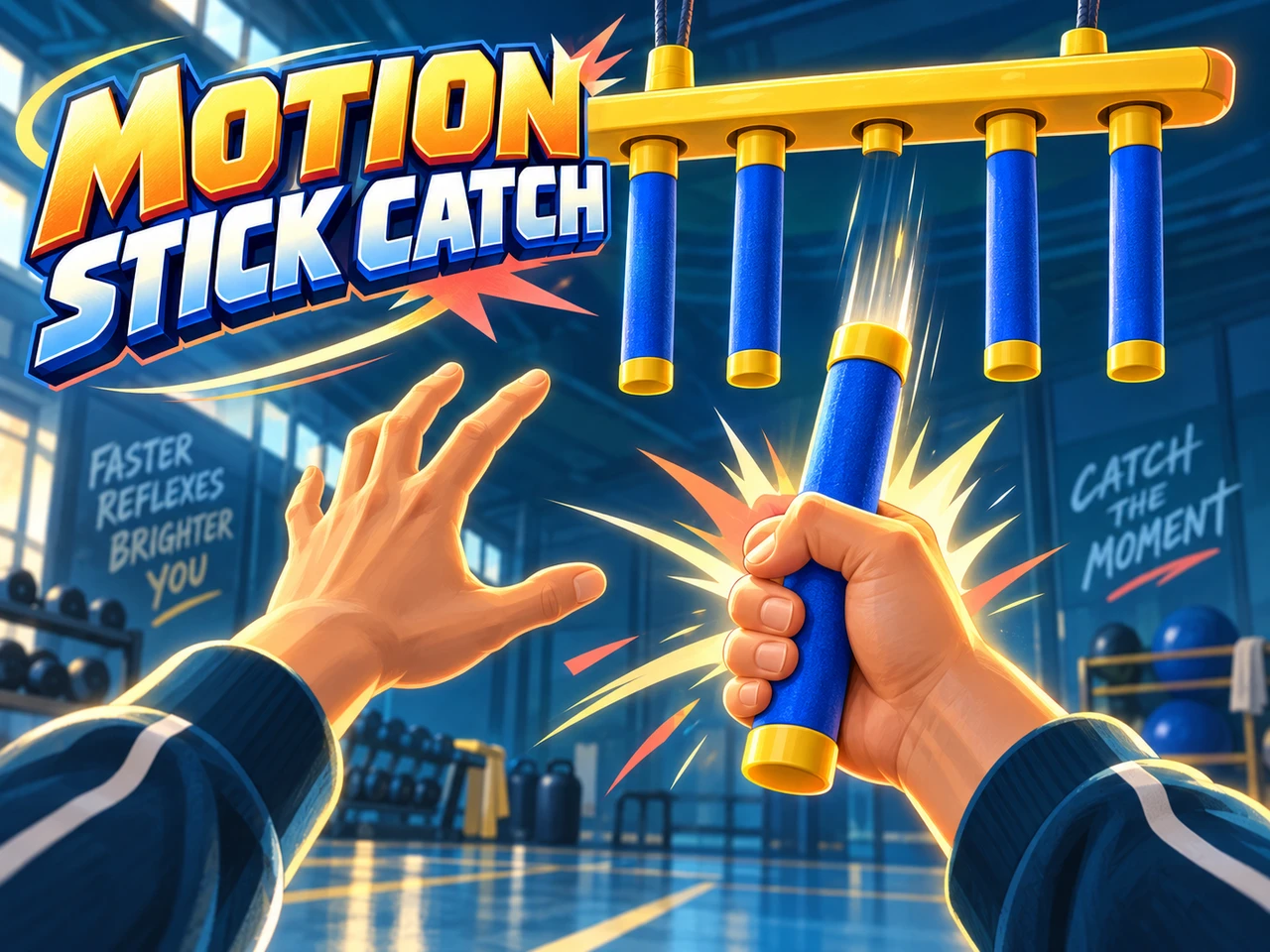
Motion Stick Catch takes the surprise of a hanging reaction-stick toy and turns it into a webcam game. Five blue sticks hang from a yellow rack. After a random wait, one lets go. There is no lane warning: watch the whole rack, move into position and grab before the stick falls out of reach. The rack refills after all five positions have been used.
Move Your Hand, Then Make the Catch
Your open hand moves the glove in two dimensions. Close your fingers when the glove overlaps a falling stick; a short confirmation helps distinguish a deliberate grab from tracking noise. You must reopen your hand between catches. Moving an already closed fist onto a stick does not count as a new grab.
Choose a well-lit spot and keep your whole hand inside the camera view. The mirrored camera preview appears by default and can be hidden with Hide camera. Hand tracking runs on your device; video is not uploaded or recorded. Leaving the game or returning to its menu stops the camera and cancels any automatic start. If your hand leaves during a countdown, show it again to restart from 3. If your hand goes out of view for too long, the game pauses. Show it again to resume automatically after 3, 2, 1, keeping your score and the current stick position.
Three Speeds, One Simple Goal
Warm-up gives you a gentler fall to learn the gesture. Classic makes you react more quickly, while Lightning demands a faster catch. Each level has up to 12 drops, with a small speed increase as it progresses. Finish with at least one chance left to advance automatically to the next level. Missing three sticks restarts the same level. Results stay visible during a single 3, 2, 1 countdown, then play resumes with fresh chances and score. Later levels add 10% of the base falling speed per level, capped at an 80% increase.
Every catch earns points, with bonuses for speed, difficulty and a streak of consecutive catches. Your result includes catches, average catch time and your best score for that difficulty in this browser. Catch time runs from release to a successful grab, so it includes both your movement and camera processing; it is a game statistic, not a clinical reaction-time measurement.
FAQ
- How do I catch a stick with my webcam?
- Choose Play with camera and press Start round before showing your hand. Once a hand is detected, a 3, 2, 1 countdown starts the level automatically. Move your hand to position the glove over a falling stick, then close your fist. Open your hand before each new grab. A held fist does not catch automatically.
- Can I play without a camera?
- Yes. Choose Play with mouse / touch, then aim and click or tap the falling stick. You can also focus the play area, move with arrow keys and grab with Space. P pauses the game.
- What are the three difficulty levels?
- Warm-up has slower falling sticks, Classic is quicker, and Lightning is the fastest. Each level has up to 12 drops. Finish with a chance remaining to advance to the next level; three misses retry the same level. Both start automatically after a 3, 2, 1 countdown. Show your hand again if tracking is lost during the countdown. Faster catches and streaks earn bonus points.
- Does the game record my camera?
- No. Camera frames are processed locally for hand tracking and are not uploaded or recorded. The preview is shown by default. Returning to the menu, switching to manual controls or leaving the page stops the camera.
- What happens if the camera loses my hand?
- Losing tracking cancels any pending grab and pauses the round. Show your hand again to resume automatically after 3, 2, 1, keeping your score and current stick position. Losing the hand during this countdown restarts it from 3. You can also continue with mouse / touch.
- Are my scores saved?
- Your best score is saved separately for each difficulty in this browser. The live round is not saved. Catch time measures the time from a stick releasing until it is caught, including movement and camera processing.