Motion Tracking Driving – Play Motion Games With Web Camera Gesture Tracking
Steer with your hands in front of a webcam, drift to charge nitro and race through nineteen 3D tracks. Choose from twelve cars, build your own ride and challenge your rivals — free in your browser, with keyboard and touch controls too.
Loading the 3D racing engine...
How to Play Motion Tracking Driving
1. Choose a car in the garage, pick a track and select an event.
2. For webcam steering, enable Motion Control in Settings and allow camera access. Hold both hands up like a steering wheel and tilt them to turn.
3. With motion control, the throttle is automatic. Open both palms to brake, turn sharply to drift and open your mouth to boost when you have nitro.
4. With a keyboard, use A/D or Left/Right to steer and S/Down to brake. Hold Space while turning to drift and Shift to spend your nitro charge.
5. Press C to change the camera, P/Esc to pause or R to return the car to the track center.
On mobile, use the on-screen steering and driving buttons. Motion control starts off on mobile and on for desktop computers; Settings remembers your choice.
What Is Motion Tracking Driving?
Motion Tracking Driving is a free 3D arcade racing game you can steer with webcam gestures. Inside the game, you will see the name Joy Motion Racing, with English and Chinese available in Settings. Race, customize cars and watch your replays without installing an app or creating an account.
The game runs locally in your browser. Camera tracking reads your gestures on your device, and your garage, settings and racing progress are saved in this browser.
Twelve Cars, Nineteen Tracks
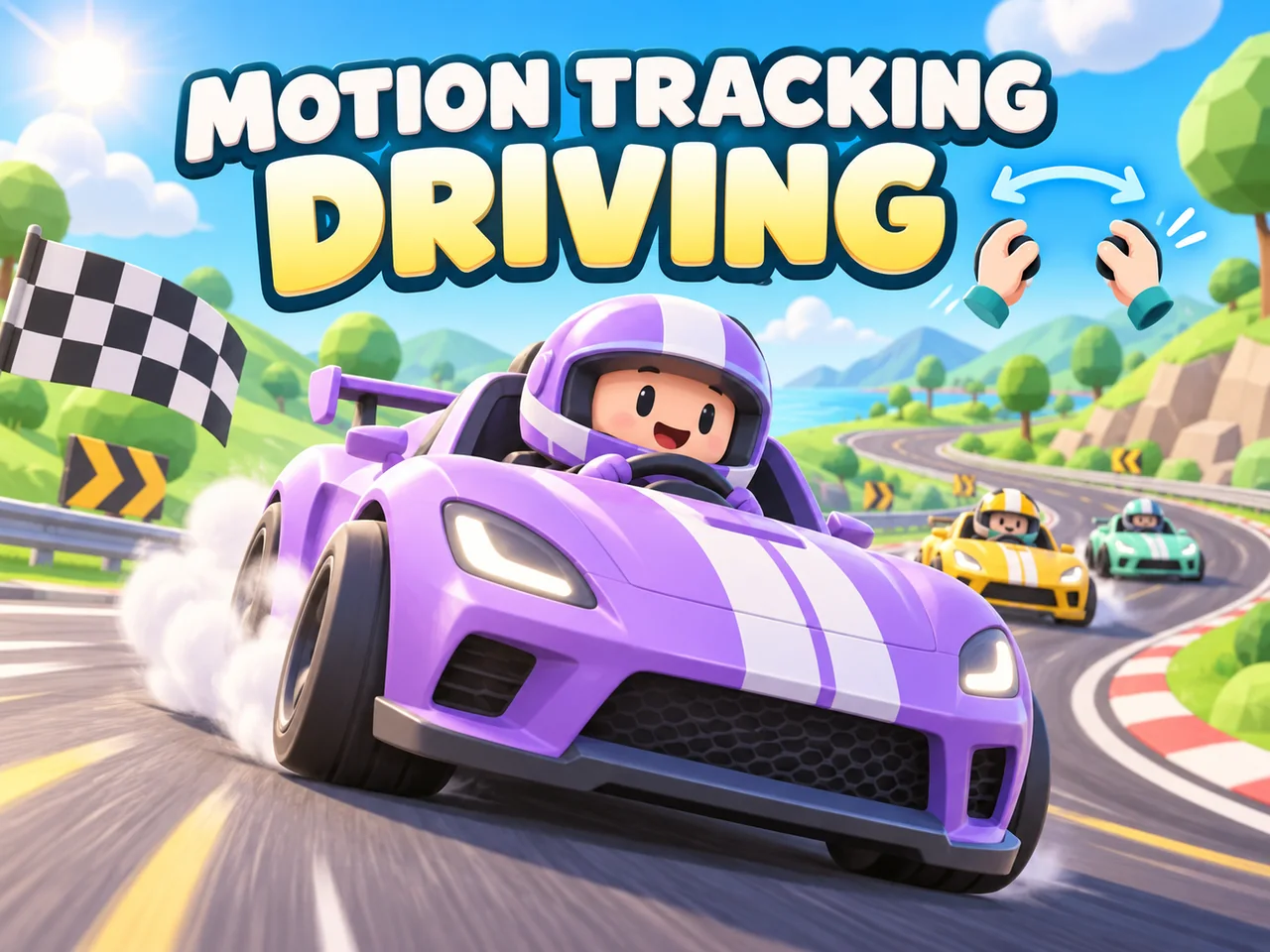
Explore a garage of twelve vehicles, including sports cars, vans, buses and pickups. Their different shapes and handling give you plenty to try as you earn rewards and unlock more of the collection.
Nineteen circuits take you through airfields, mountain passes, harbours, night cities and desert landscapes. Learn the corners, ramps and alternate routes, then return with a different car or a new setup to improve your run.
Build and Customize Your Ride
Visit the workshop to change parts, tune your car and choose its appearance. The vehicle preview shows your changes as you work, so you can see your build before heading back to the track. You can also create a custom vehicle in the DIY workshop.
Drift, Boost and Try Five Event Types
Turn into a corner and drift to fill the nitro bar, then spend that charge to accelerate along the next straight. Keyboard players hold a direction and Space together; motion players can start a drift by steering sharply.
Choose a race, time trial, drift event, elimination event or championship. Chase a faster time, build a bigger drift score or stay ahead of your rivals. Watch recorded runs in the replay viewer to revisit your best moments and study your mistakes.
Webcam, Keyboard or Touch — Your Choice
Motion control uses your hands for steering and braking, with an open mouth activating nitro. Keep both hands and your face in view with good lighting. The camera preview sits at the middle of the game's left edge so you can check your position. Camera access is optional: keyboard and touch controls are also available.
English is the default game language. Switch between English and Chinese in Settings to change the in-game menus, help and race messages. On a first visit, desktop computers start with motion control enabled and mobile devices start with it disabled. Your saved preference takes priority on later visits.
FAQ
- Is Motion Tracking Driving free to play?
- Yes. The game is free to play on SwayJoy, with no purchase, download or account required. If you would like to copy it or use it elsewhere, please contact us first.
- How do webcam driving controls work?
- Hold both hands in view as if gripping a steering wheel, then tilt them left or right to steer. Motion control keeps the throttle on automatically. Open both palms to brake, turn sharply to drift and open your mouth to spend your nitro charge. Close your mouth to stop boosting. You can check your position in the camera preview on the left side of the game.
- Can I play without a camera or gamepad?
- Yes. Use A/D or the left/right arrows to steer, S or Down to brake, Space while turning to drift and Shift to boost. C changes the camera, R returns the car to the track center and P or Esc pauses. Touch controls are also available. A webcam and gamepad are not required.
- Does it work on phones and tablets?
- Yes. Touch steering and driving buttons are available on smaller screens. On a first visit, motion control is off on mobile devices and on for desktop computers. Change it in Settings whenever you like; your choice is saved for later visits.
- Can I change the game language?
- Yes. The game starts in English as Joy Motion Racing. Choose English or Chinese in Settings to change the game language. The game menus, instructions and race messages follow your selection. This page's introduction stays in English.
- Is my camera feed uploaded or recorded?
- No. Gesture tracking processes camera frames locally in your browser. Your webcam feed is not uploaded or recorded. Race replays record the game action, not your camera feed.
- Is my racing progress saved?
- Yes. Cars, upgrades, settings and progress are stored locally in your browser. Clearing this site's browser data removes that save.